

Corrections: void, write-off, reversal
Once something is posted, OneBooks never edits or deletes its ledger lines. Every correction is a new entry that cancels or adjusts the old one, so the audit trail is complete and any report can be re-run for any date.
The three mechanisms
Section titled “The three mechanisms”| You want to… | Use | What is posted |
|---|---|---|
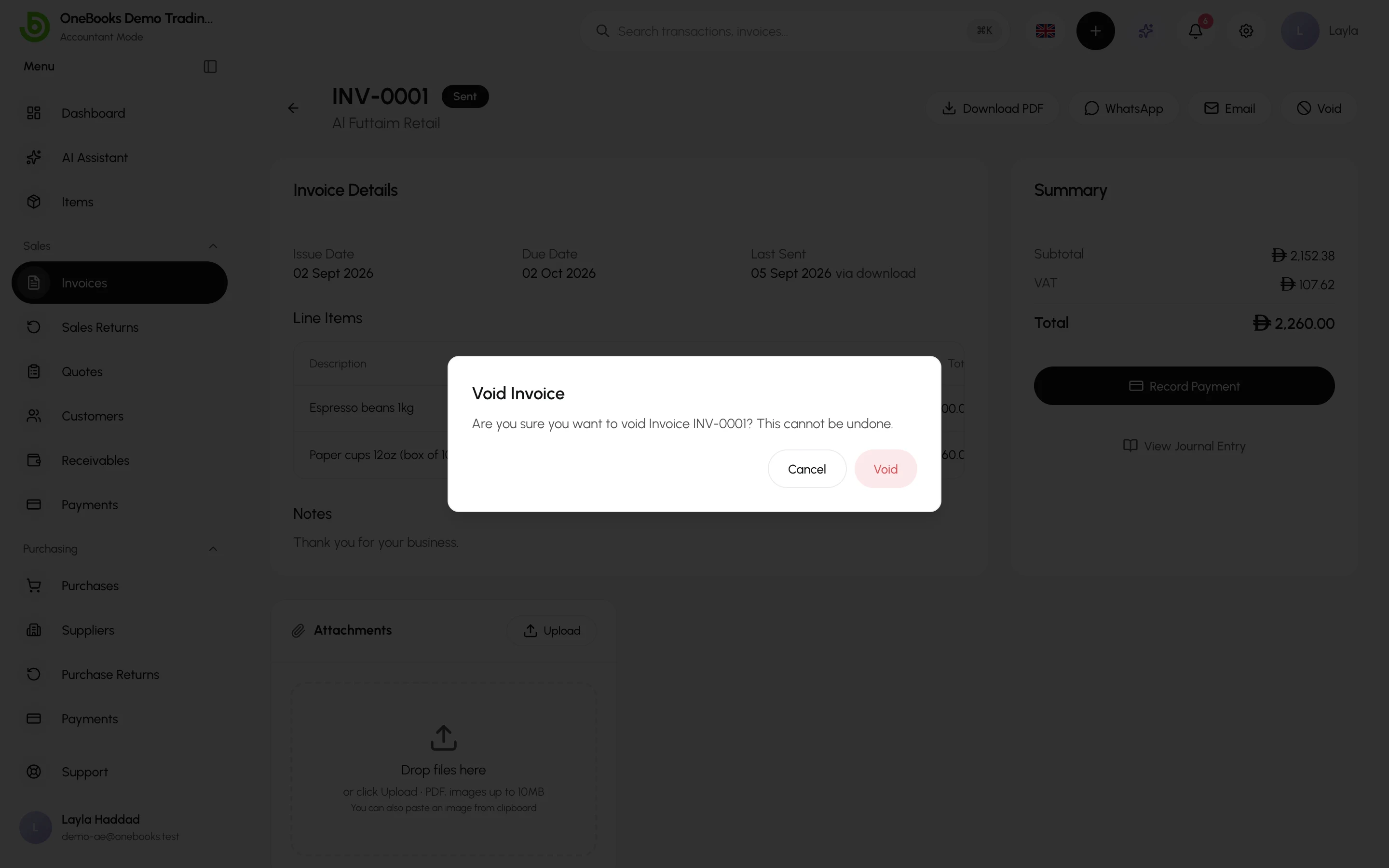
| Undo a document that should not exist (duplicate, wrong customer) | Void the invoice or purchase; delete a payment, supplier payment or expense; void a contra | A reversal of the original entry. The document stays visible as Void. |
| Reduce a correct document after the fact (goods returned, price agreed down) | Credit note (sales return) or debit note (purchase return) | A new entry reversing part of the revenue or cost and tax. |
| Accept that a customer will never pay | Write off the invoice (through the API or support — see Invoice statuses) | Bad-debt expense against the receivable; revenue stays. |
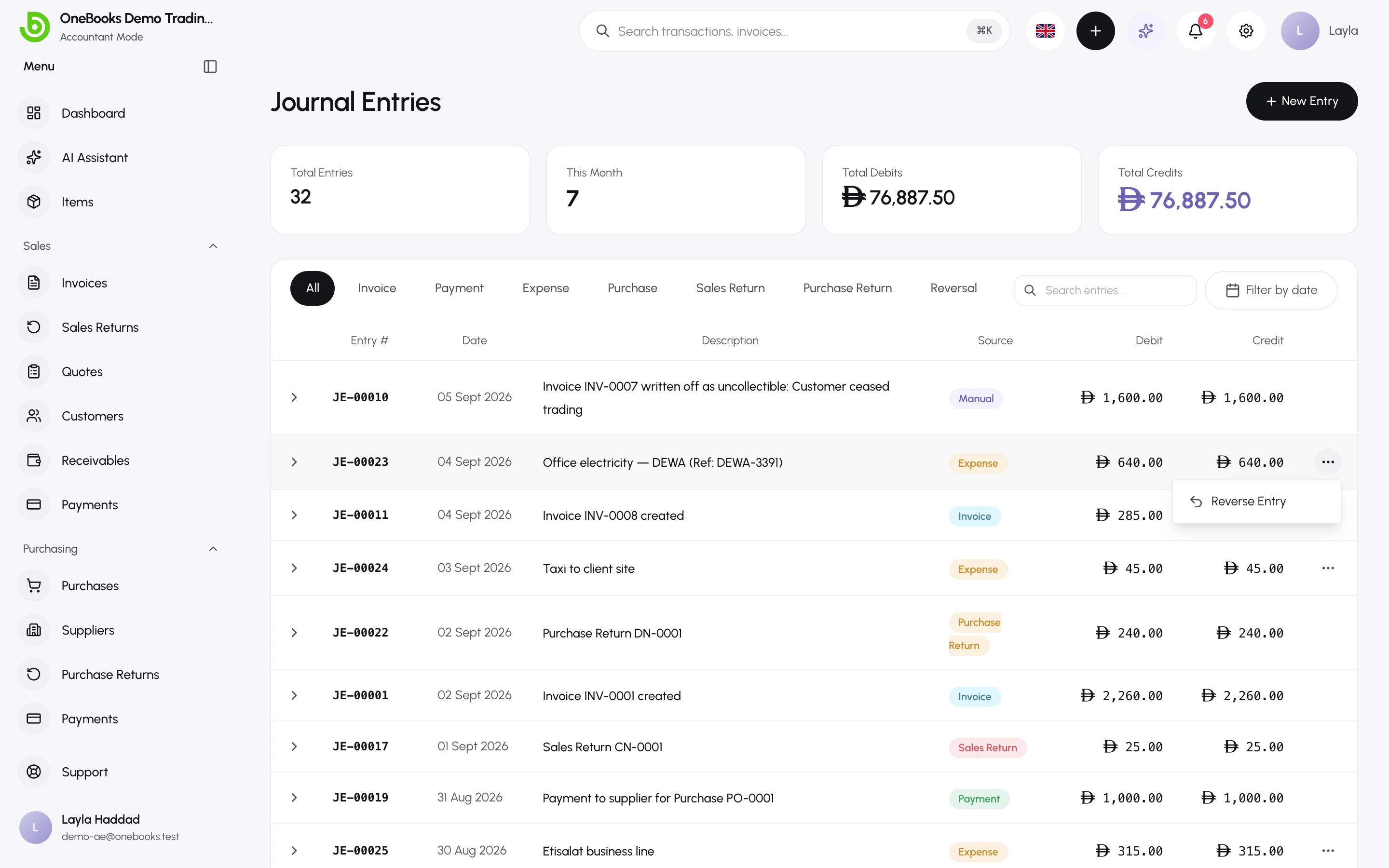
| Fix a manual entry | Reverse Entry, then post the correct one | The reversal plus the new entry. |
What cannot be corrected directly
Section titled “What cannot be corrected directly”- A sent invoice’s lines, discount or reverse-charge flag — void it and issue a new one, or use a credit note.
- A cleared or reported ZATCA invoice — only a credit note. See Saudi Arabia.
- Anything in a locked or closed fiscal year — unlock or reopen first. See Fiscal years.
Dating of reversals
Section titled “Dating of reversals”A reversal is dated in the original document’s period when that period is still open; otherwise it is dated today, so a correction never lands inside a locked year.