

Settings → Billing & Plan shows everyone on the team your current plan, trial status and payment details. Starting a trial, changing plan and opening the billing portal need an owner or admin.
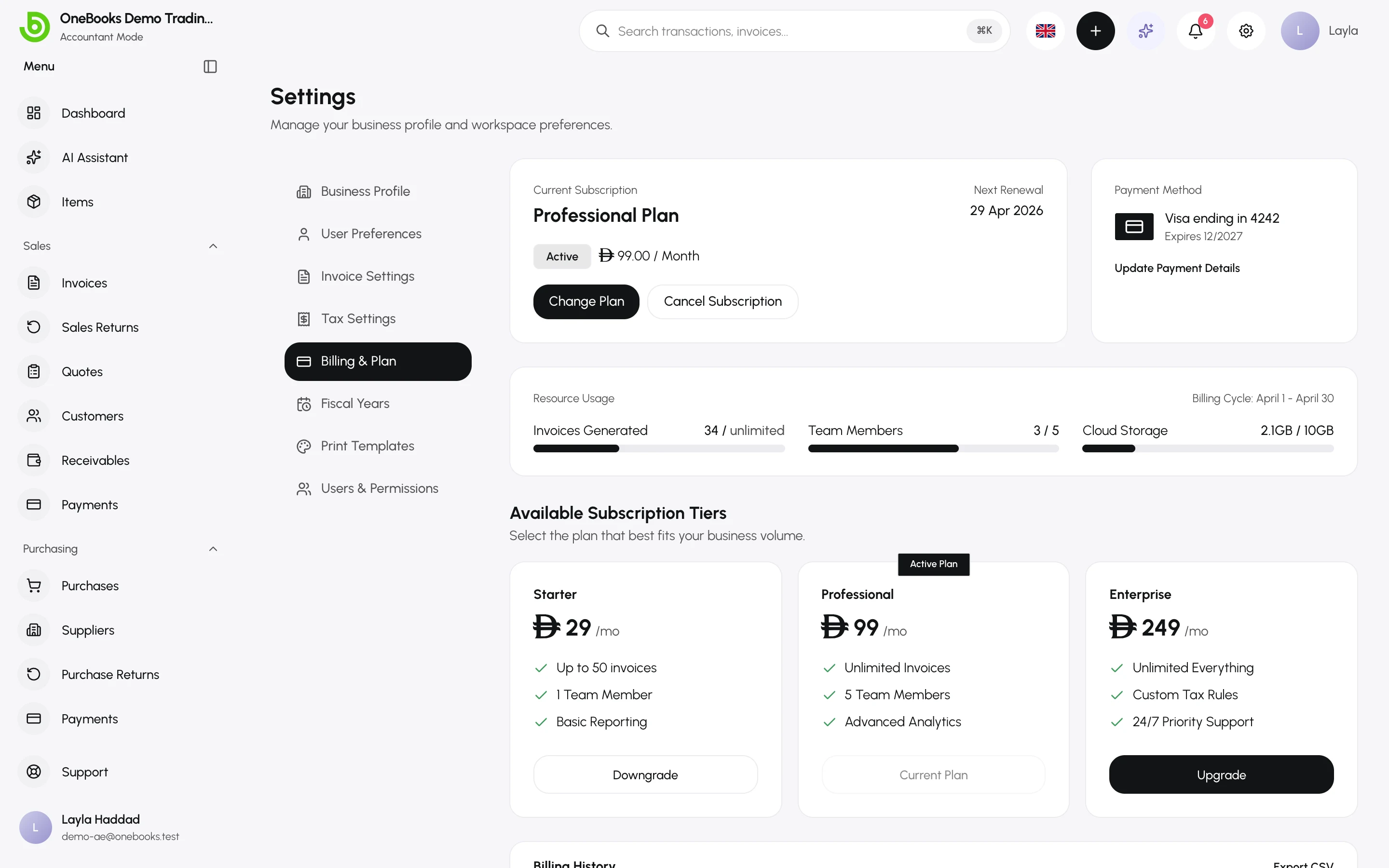
Four plans, priced in your own currency. Every plan includes the ledger, the reports, your country’s e-invoicing, the OAuth API, webhooks and MCP — compliance and integrations are never behind a paywall.
| Plan | Best for | What changes |
|---|---|---|
| Free | A business that is still small | Bounded by annual turnover and invoice count, not by features. One user, one business. |
| Standard | A trading business | No turnover cap. Purchases, bank reconciliation and POS sync. Three users. |
| Professional | A growing team | Three businesses and custom templates. Ten users. |
| Premium | Multi-entity operators | Unlimited invoicing, ten businesses, priority support. Twenty-five users. |
The exact prices for your country are on the pricing page (opens in a new tab).
What the Free plan covers
Section titled “What the Free plan covers”Free is permanent, not a trial. It lasts while you stay under both of two ceilings, which are set per country:
- an annual turnover ceiling — measured from your own ledger, so it is the same figure your profit and loss shows, and credit notes reduce it;
- an invoice count for the year.
Crossing a ceiling changes nothing you already have. Your documents, reports and history stay exactly as they are; you are asked to pick a plan before you issue the next invoice.
Trials
Section titled “Trials”Any plan above the one you are on can be tried free for 7 days, once per plan, and a trial needs no card. Start one here, with Try free for 7 days under the plan, and confirm it on the secure checkout page that opens. Trial Professional, decide against it, and Premium is still trialable later.
Leaving the checkout page without starting the trial does not use it up: the trial becomes available again within about an hour, when that unfinished checkout expires.
Trials are for a business without a live subscription. Once you have one — including during a trial — the plans offer switching instead of trials (see below). Switching to another plan during a trial keeps the trial running, with the same end date and nothing charged, and counts as your free trial of that plan.
Add a payment method with Manage subscription before the trial ends and the plan simply continues. If none has been added by then, the subscription ends with the trial and your business continues on the Free plan. Nothing is deleted: your documents, reports and history stay exactly as they are.
If you use LithosPOS
Section titled “If you use LithosPOS”OneBooks and LithosPOS are separate companies. Connect OneBooks from inside LithosPOS and the Standard plan is included with your LithosPOS subscription at no charge. There is nothing to claim and no code to enter: the benefit starts as soon as LithosPOS completes the connection after you approve access — or, if that moment is missed, at the next hourly check. Installing the LithosPOS app from Apps → Marketplace, or opening it inside OneBooks, does not start it on its own. The plan a partner program grants is set per program; for LithosPOS it is Standard today. The benefit lasts as long as LithosPOS keeps the connection active. If you uninstall the app or revoke its access, or LithosPOS disconnects your account — for example when your LithosPOS subscription ends — Standard continues until the close of the current 30-day period, never sooner, and your business then moves to the Free plan, or to a paid plan of your own. You can still try or buy a higher plan here: the higher plan wins, and the benefit never downgrades you — a trial that ends without a payment method simply returns you to Standard. See LithosPOS.
Managing your subscription
Section titled “Managing your subscription”While a subscription is live — on trial, active, or with a payment being retried — the plans no longer offer Choose or Try free for 7 days, because a business cannot start a second subscription alongside the first. You change plan on this page instead, as the page itself notes: Switch plans right here. To update your card, see your invoices or cancel, use the billing portal.
- Switch plan. Every paid plan’s card offers Switch to this plan, which keeps your billing interval, and a second button to change the interval as well — Switch to this plan, billed yearly, or Switch to this plan, billed monthly if you pay yearly. The card of the plan you pay for reads Your subscription, billed monthly (or billed yearly) and offers Switch to yearly billing (or Switch to monthly billing).
- Check what a switch does before you confirm. A dialog shows the plan, its price and what happens to your bill; select Switch plan to go ahead.
- A higher plan, same billing interval: it takes effect now, and you’re charged the prorated difference today.
- A lower plan, same billing interval: it takes effect now, and the unused time on your current plan is credited to your next invoice.
- Monthly to yearly billing, with or without a plan change: it takes effect now and is charged today.
- Yearly to monthly billing, with or without a plan change: it takes effect now and is settled today — the unused part of your year is set against the new month, and the difference is either charged today or kept as credit on your account for your next invoices.
- During a free trial: you stay on the trial and nothing is charged; moving to another plan counts as your free trial of that plan.
- A failed payment changes nothing. If the charge for a switch doesn’t go through, you stay on your current plan; update your payment method and try again.
- When switching is paused. While a payment is past due, the page says so and offers Update payment method: fix the payment in the billing portal first. And while your subscription is set to end at the close of the period — your plan shows Ends at period end — a switch is refused: renew the subscription with Manage subscription first.
- Manage subscription opens the secure billing portal to add or change a card, download invoices or cancel. Plans are switched on this page, not in the portal.
- Moving to Free means cancelling. There is no switch to the Free plan: cancel with Manage subscription. You keep your plan until the end of the paid period; your business then continues on the Free plan, and nothing is deleted. Export your data any time — Import and export.
- If you picked a paid plan on the pricing page before signing up, You picked … at the top of this page offers that plan’s 7-day trial. It appears only while that trial is still available and no subscription is live, and nothing starts until you select Try free for 7 days.