

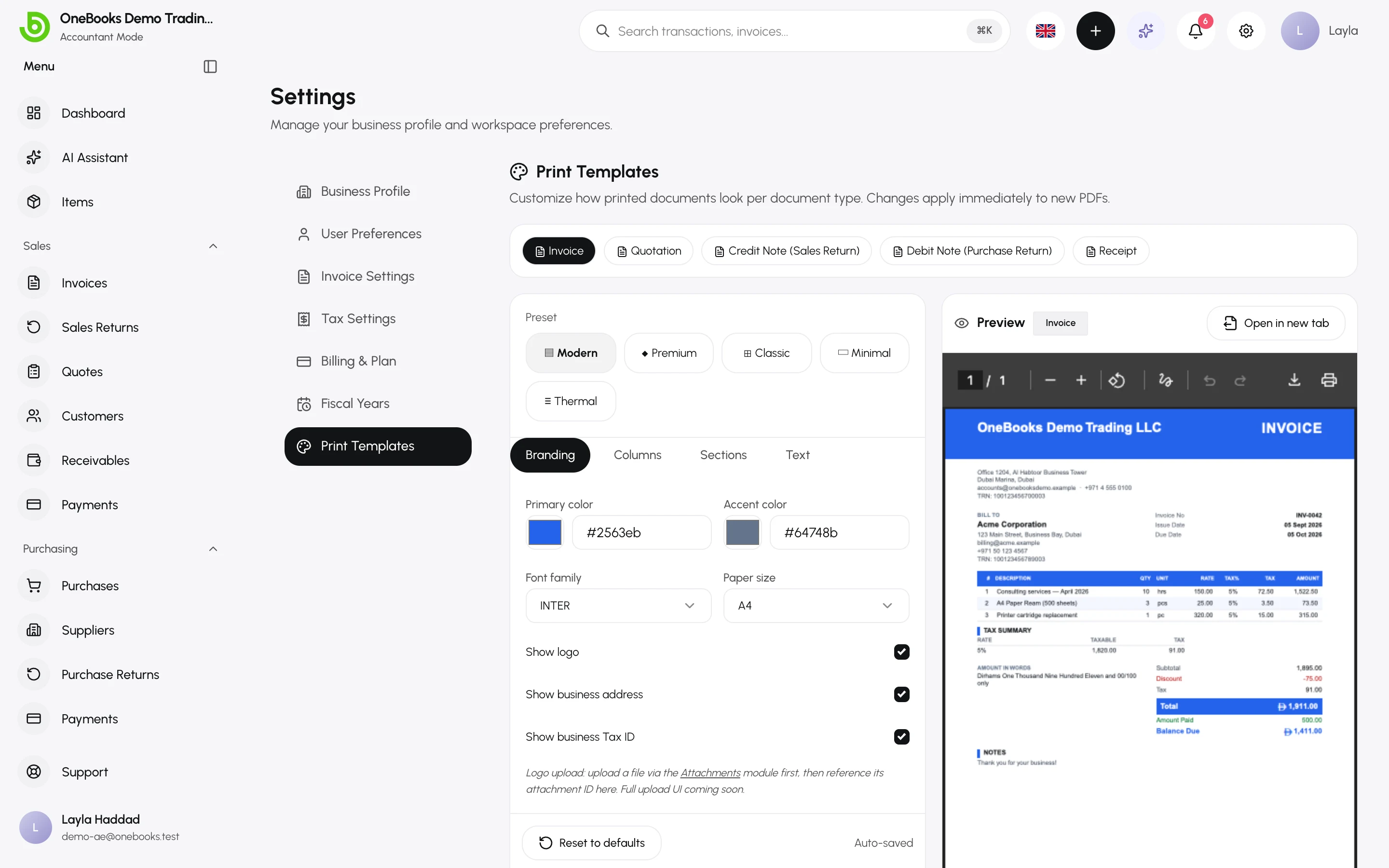
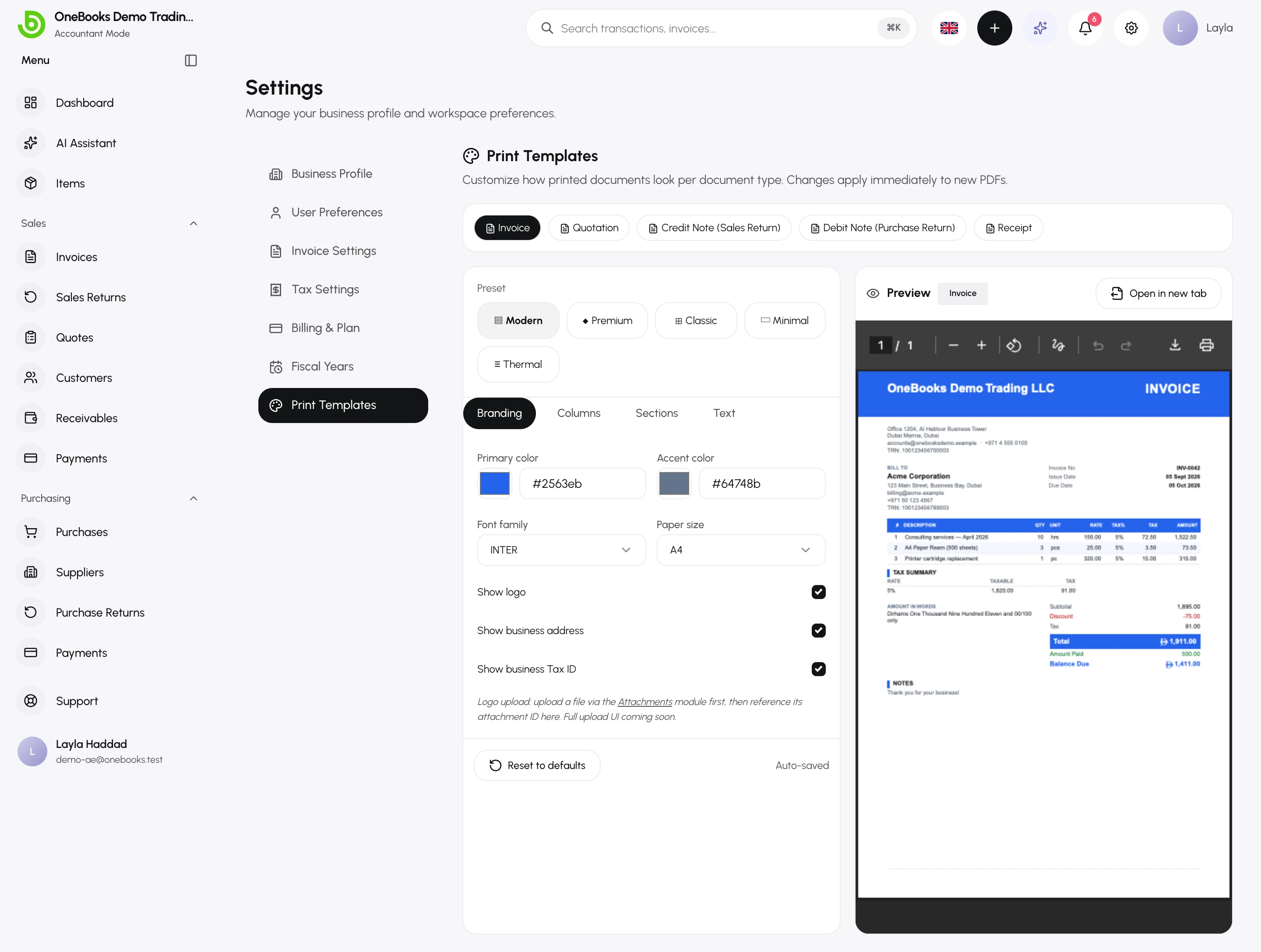
Settings → Print Templates controls how each document type looks as a PDF. One template per document type: Invoice, Quote, Sales return (credit note), Purchase return (debit note) and Receipt.
Customise a template
Section titled “Customise a template”- Select the document type.
- Pick a preset — Modern, Classic, Minimal, Premium or Thermal (for receipt printers).
- Choose the font (Inter, Roboto, Merriweather, Lato) and paper size (A4, A5, Letter, 80 mm or 58 mm thermal).
- Upload a logo for this document type, or keep the business logo.
- Check the preview and select Save. Reset returns the template to its defaults.
Saudi Arabia
Section titled “Saudi Arabia”Templates for Saudi businesses print bilingual Arabic/English layouts, the ZATCA QR code and the seller’s VAT number and address automatically. The customer’s preferred invoice language (Arabic, English or bilingual) is set on the customer. See Saudi Arabia.
Related
Section titled “Related”Company settingsThe business logo and details that print on every document.