

Invoice statuses, void and write-off
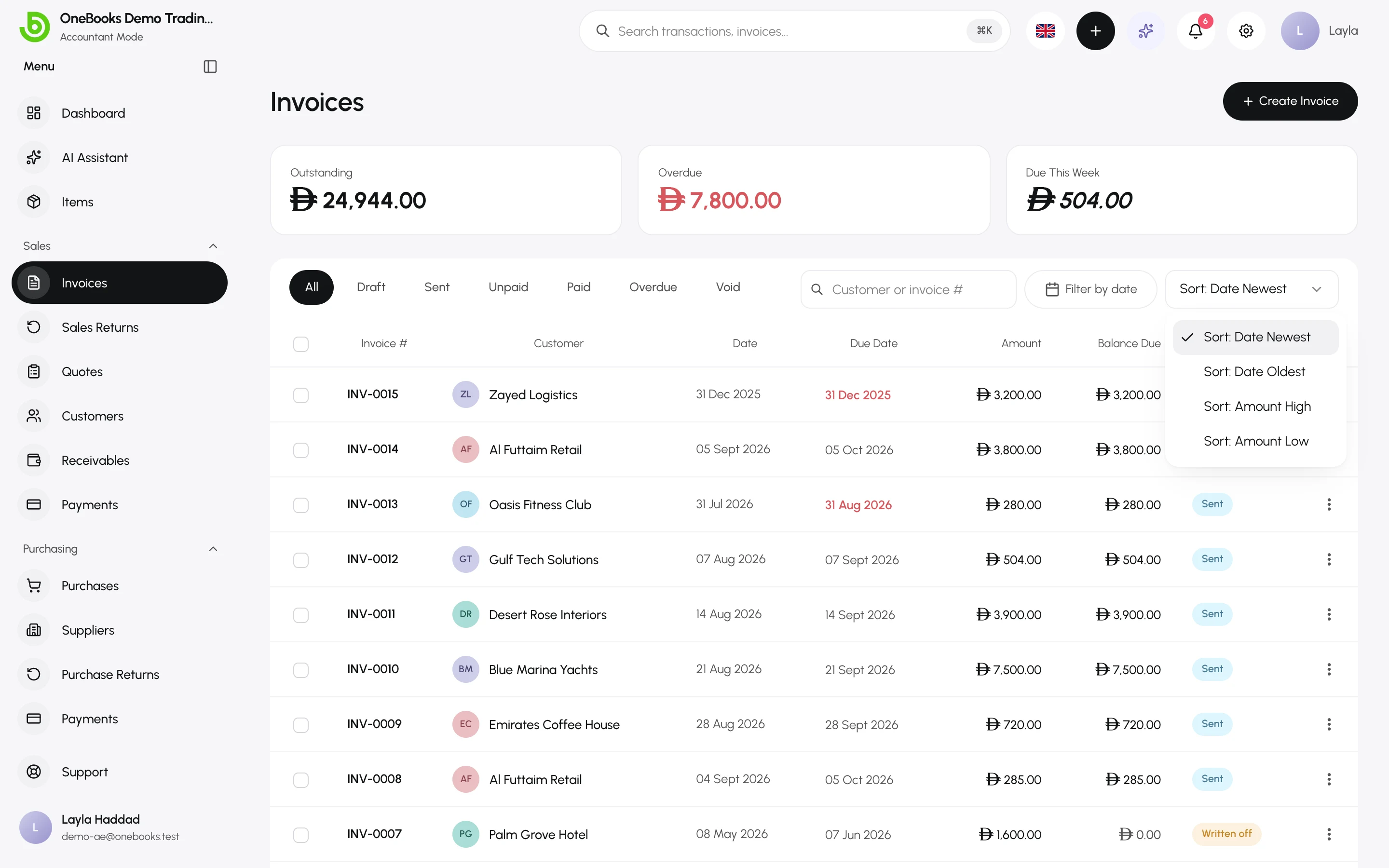
An invoice moves through a small set of statuses. Two of them — Void and Written Off — are corrections, and they mean different things for your books.
Statuses
Section titled “Statuses”| Status | How it gets there | Ledger |
|---|---|---|
| Draft | Created but not sent. Fully editable. | Nothing posted. |
| Sent | You selected Send. Number and totals are final. | Receivable, revenue and tax posted. |
| Partially Paid | A payment smaller than the balance was recorded. | Cash against the receivable. |
| Paid | Payments cover the total. | — |
| Void | You voided a sent invoice that had no payments. | The original entry is reversed. |
| Written Off | You wrote off the unpaid balance as a bad debt. | Bad-debt expense against the receivable. |
Overdue is not a status: it is a filter for Sent or Partially Paid invoices whose due date has passed. The list, the dashboard and notifications all use it.
Void an invoice
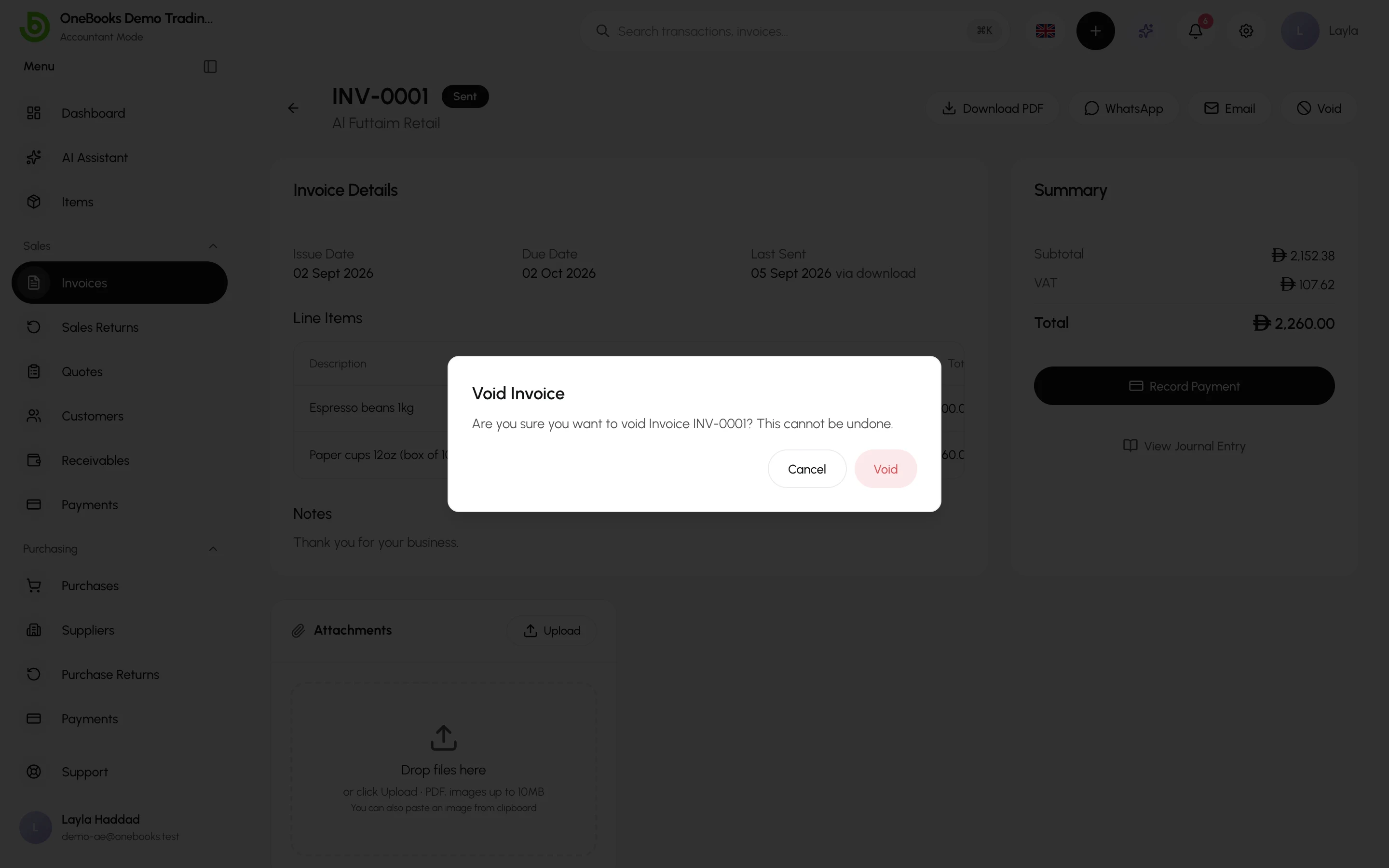
Section titled “Void an invoice”Void an invoice that should never have existed — wrong customer, duplicate, cancelled order. Voiding reverses the revenue, as if the sale never happened.
- Open the invoice and select Void in the header.
- Confirm. The invoice keeps its number and stays visible with the Void status.
Rules:
- Only Sent invoices with no payments, no allocations and no open credit notes can be voided. Delete or reverse the payment first, or use a credit note instead.
- Saudi invoices already cleared or reported by ZATCA cannot be voided — issue a credit note. See Saudi Arabia.
- Voiding requires the invoices.void permission (owners and admins by default).
Write off a bad debt
Section titled “Write off a bad debt”Write off when the sale was real but the customer will not pay. The revenue stays; the loss is booked as an expense in the period you give up.
Writing off is currently done through the OneBooks API (POST /invoices/{id}/write-off — from a connected app, or by your accountant using the developer platform) or by asking support; a button in the invoice page is planned. The call takes the amount (default: the full balance; a partial write-off is allowed), the date and a reason.
Rules:
- A full write-off sets the status to Written Off and no payment can be recorded against it afterwards.
- A partial write-off keeps the invoice payable for the remainder.
- Requires the invoices.writeOff permission (owners and admins by default).
Void or write off — which one?
Section titled “Void or write off — which one?”| Situation | Use |
|---|---|
| Duplicate, wrong customer, order cancelled before delivery | Void |
| Goods returned or price reduced after delivery | Credit note — Sales returns |
| Customer disputes part of the amount and you agree | Credit note for the disputed part |
| Customer went out of business or will never pay | Write off |