

OneBooks tracks stock quantities for the items you choose. Sending an invoice takes stock out, receiving a purchase puts it in, and returns and voids reverse those moves. It is quantity only: there is no stock valuation, no inventory asset and no cost-of-sales calculation from stock, so your books are unchanged. Purchases are still expensed to Cost of Goods Sold when received.
Turn the fields on
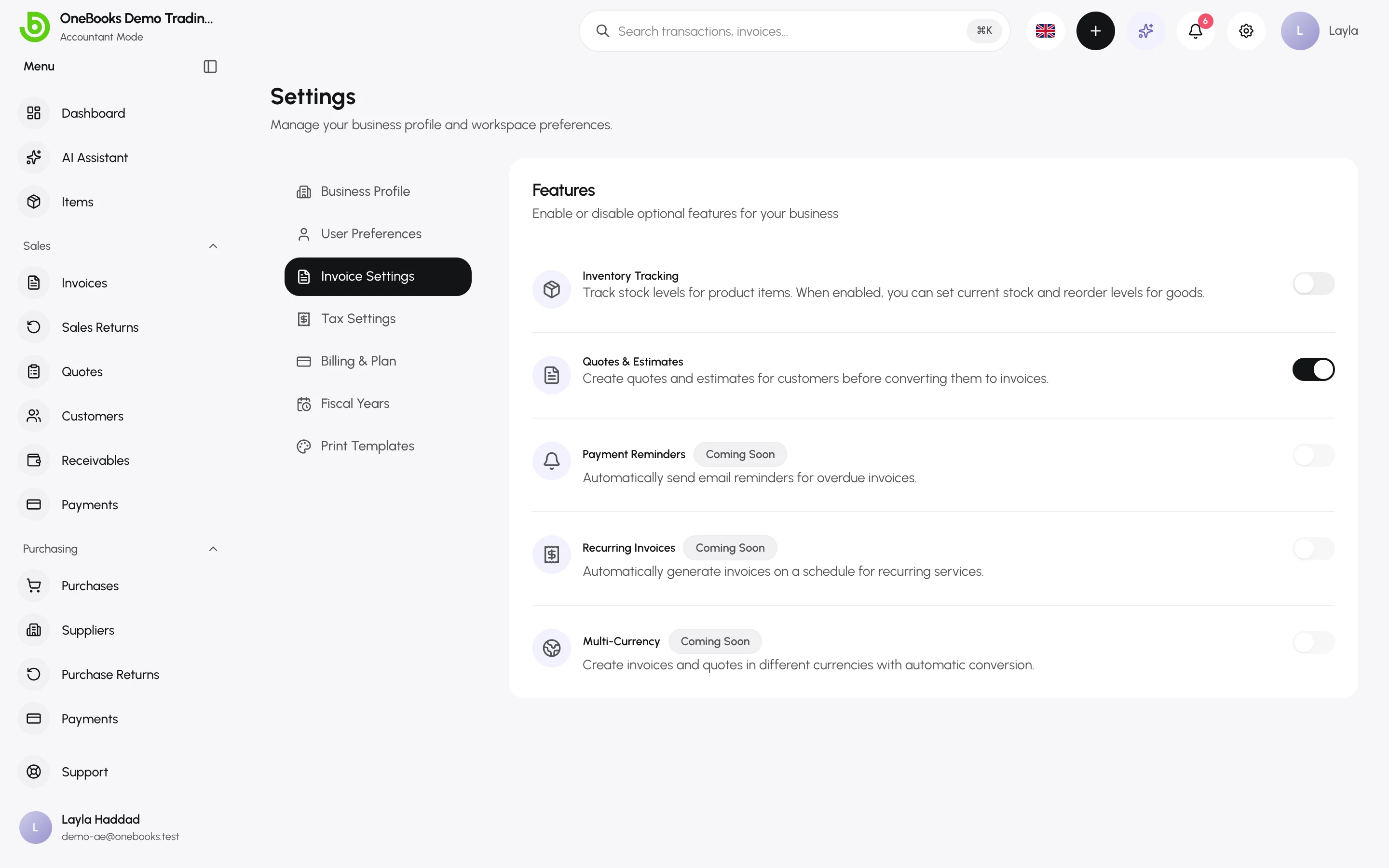
Section titled “Turn the fields on”Settings → Invoice Settings → Inventory Tracking shows the fields on the item form. It is off by default. Stock moves only when this switch and the item’s Track inventory box are both on.
What the fields do
Section titled “What the fields do”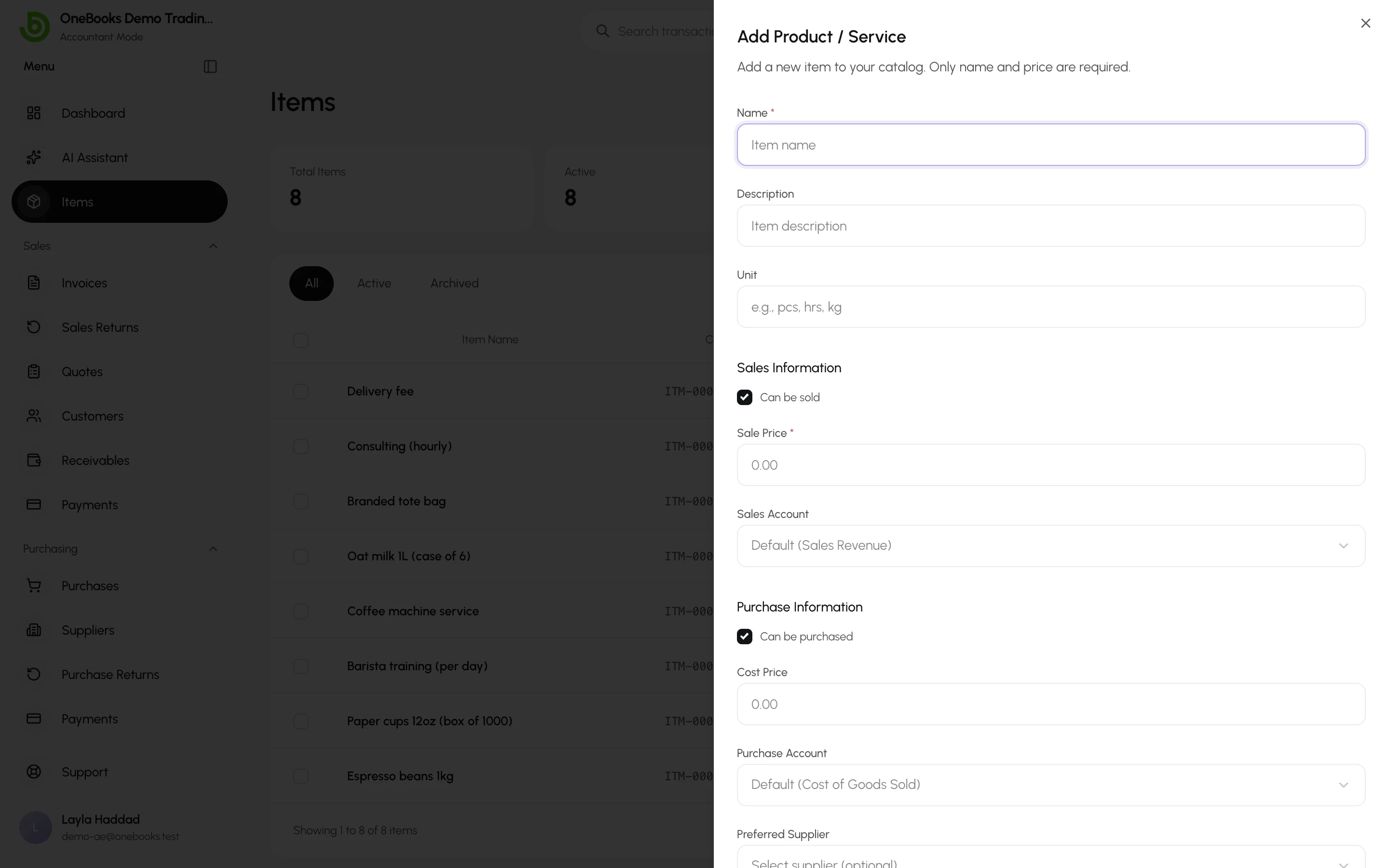
- Track inventory for this item — turns stock tracking on for this item and shows its stock figure.
- Current Stock — the quantity on hand. It moves automatically (see below), and you can type a new number to correct it. Editing it records an adjustment in the stock history. Stock can go below zero if you sell more than you hold.
- Reorder Level — shows a Low badge on the items list when current stock is at or below it. Negative stock always shows as low.
- Stock history — when you edit a tracked item, a list shows every movement with its date, the document it came from and the quantity in or out.
Stock moves like this:
- An invoice that is sent takes the quantities out.
- A purchase that is received puts the quantities in.
- A sales return that is confirmed puts the quantities back; a purchase return that is confirmed takes them out.
- Voiding one of those documents reverses its movement.
- Drafts, refunds, write-offs and opening balances do not move stock.
What OneBooks does not do
Section titled “What OneBooks does not do”- No stock valuation: OneBooks does not cost your stock or post it to an inventory asset on the balance sheet.
- No cost-of-sales posting when you sell. Purchases are expensed when received.
- No warning when an invoice would take stock below zero.
If you hold significant closing stock across a period end, ask your accountant about a manual period-end journal entry against an inventory asset account — see Journal entries.