

Data → Import / Export loads master data and opening balances from spreadsheets, and exports your records whenever you need them. Imports are all-or-nothing: an import that fails is rolled back and your books are unchanged.
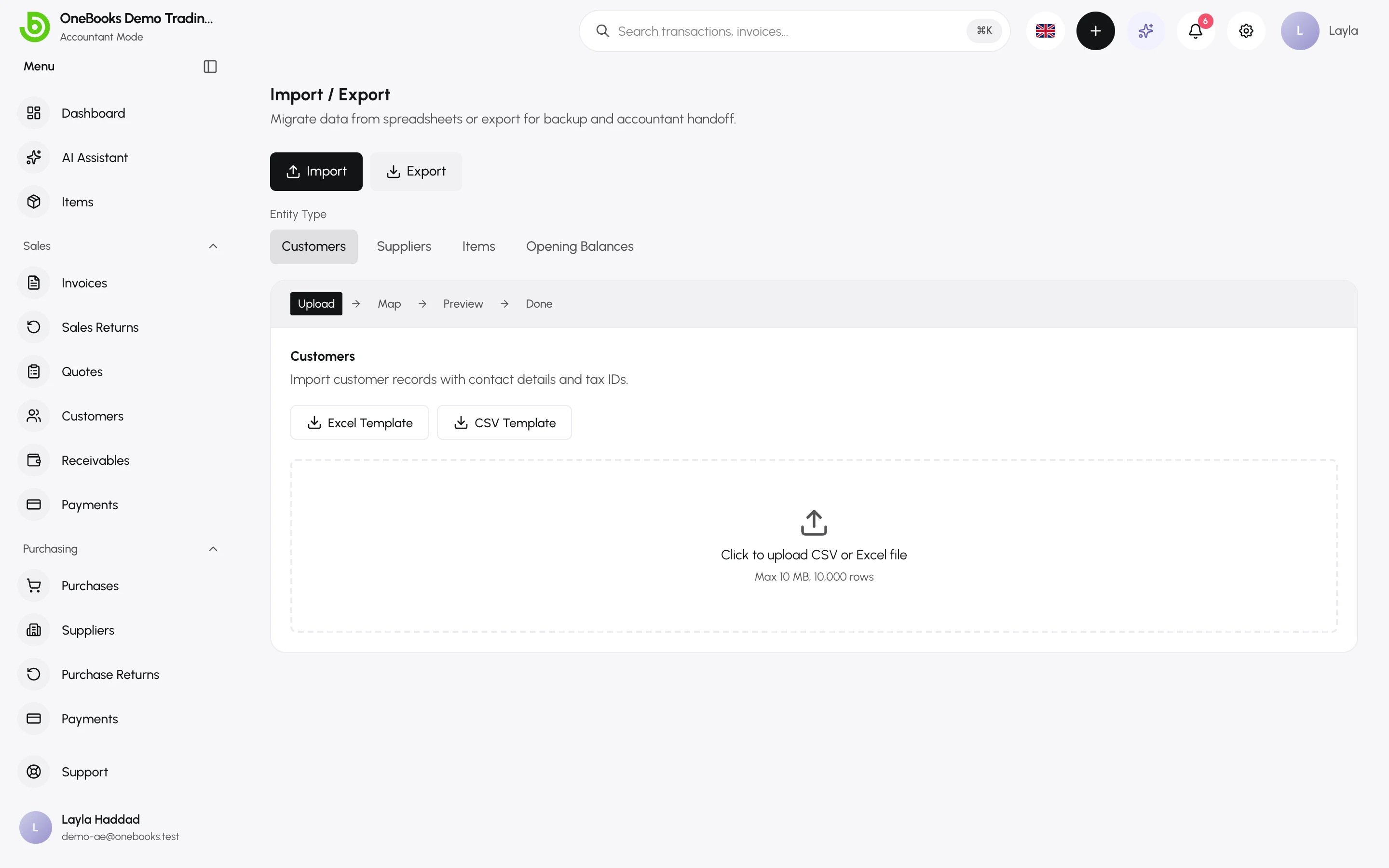
Import
Section titled “Import”- Choose the entity: Customers, Suppliers, Items or Opening balances.
- Download the Excel Template or CSV Template, fill it in (one row per record; up to 10 MB or 10,000 rows) and upload it.
- Map Columns — OneBooks matches your file’s columns to its fields by header name; fix anything shown as not mapped, then Validate.
- Preview & Validate — every row is marked OK, Error (with the reason) or Duplicate. Tick Skip rows with errors or Skip duplicate rows to import the rest, or fix the file and re-upload.
- Select Import … rows. The result page lists what was imported and any rows skipped.
Templates and columns
Section titled “Templates and columns”| Entity | Required | Optional |
|---|---|---|
| Customers | Name | Email, phone, address, tax ID, customer code |
| Suppliers | Name | Email, phone, address, tax ID, bank name, bank account, payment terms |
| Items | Name, sale price | Description, unit, cost price, tax rate, HSN/SAC code, salable, purchasable |
| Opening balances | Amount, and a customer code, supplier code or account code | Date, reference |
Duplicates are detected by name (customers, suppliers, items) so a re-run does not create doubles.
Opening balances
Section titled “Opening balances”Rows with a customer code or supplier code become per-party opening documents (so payments can settle them); rows with an account code post to that balance-sheet account. Revenue and expense accounts are rejected. See Opening balances.
Export
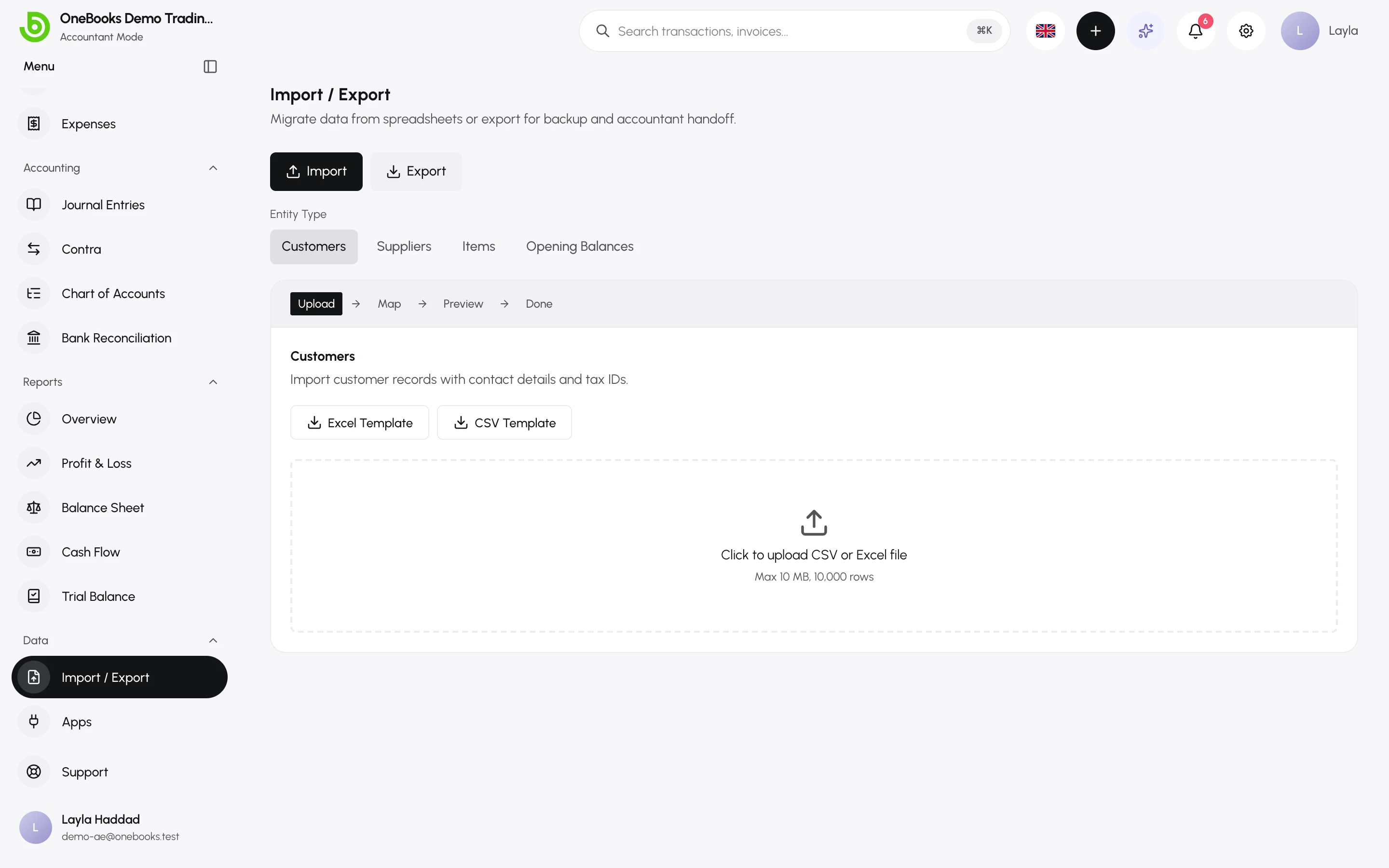
Section titled “Export”The Export tab downloads Customers, Suppliers, Items and transactions as Excel or CSV — the full table each time.
Reports export separately from their own pages — see Exporting and printing reports.
Permissions
Section titled “Permissions”Catalog imports (customers, suppliers, items) are open to members; opening-balance imports require the ledger import permission (owners and admins by default), because they post to the ledger.