

India: GST and GSTR reports
Applies to businesses whose country is India. OneBooks records GST on every document and prepares GSTR-1 (outward supplies) and GSTR-3B (summary return) in the statutory formats, with readiness checks before you file.
What is set up for you
Section titled “What is set up for you”- Currency INR, tax name GST, default rate 18%, tax-exclusive pricing.
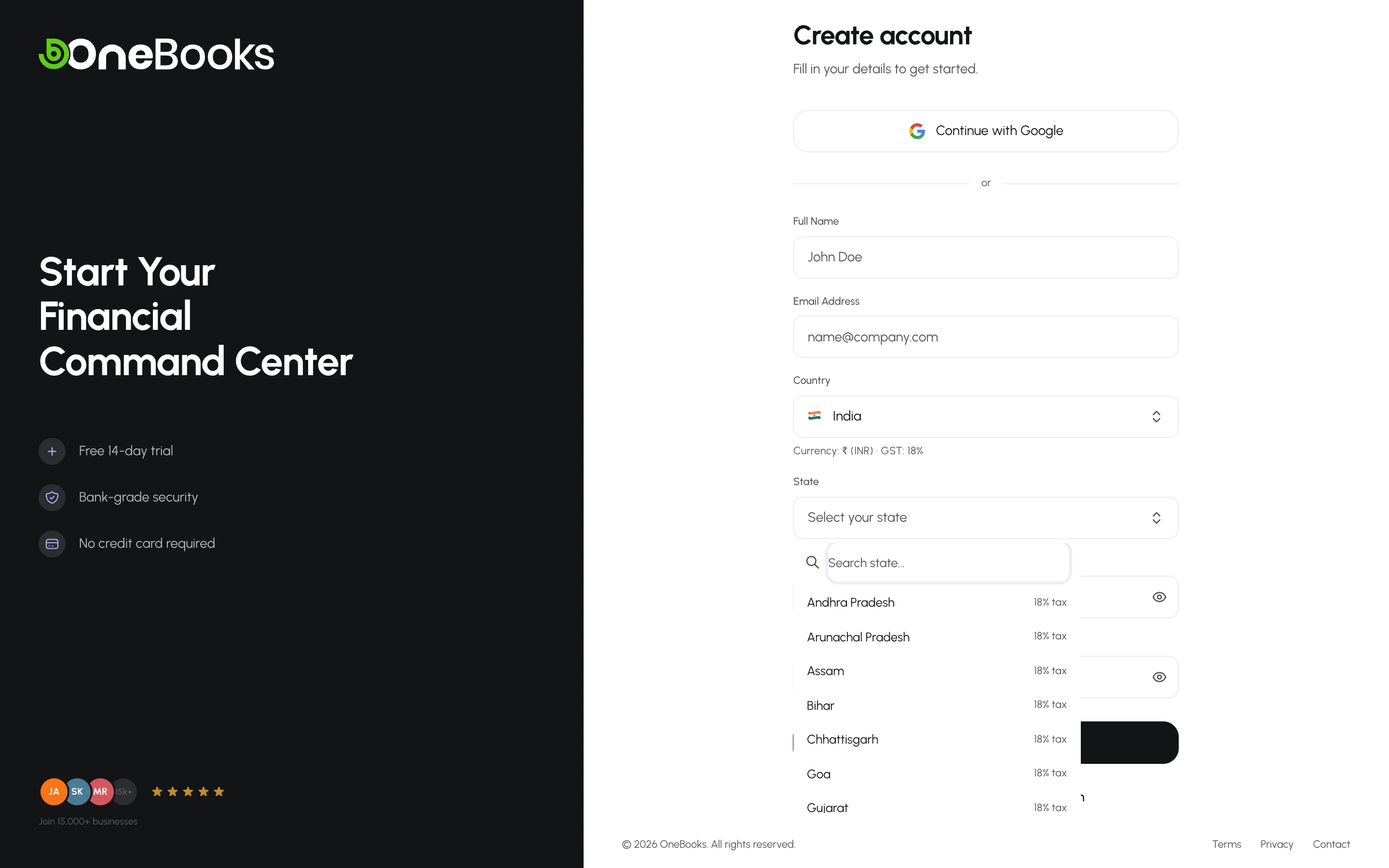
- Your state (chosen at sign-up) decides your GSTIN prefix and whether a sale is intra-state (CGST + SGST) or inter-state (IGST).
- GSTR Reports under Reports.
Master data
Section titled “Master data”- Business GSTIN — Settings → Business Profile → Tax ID.
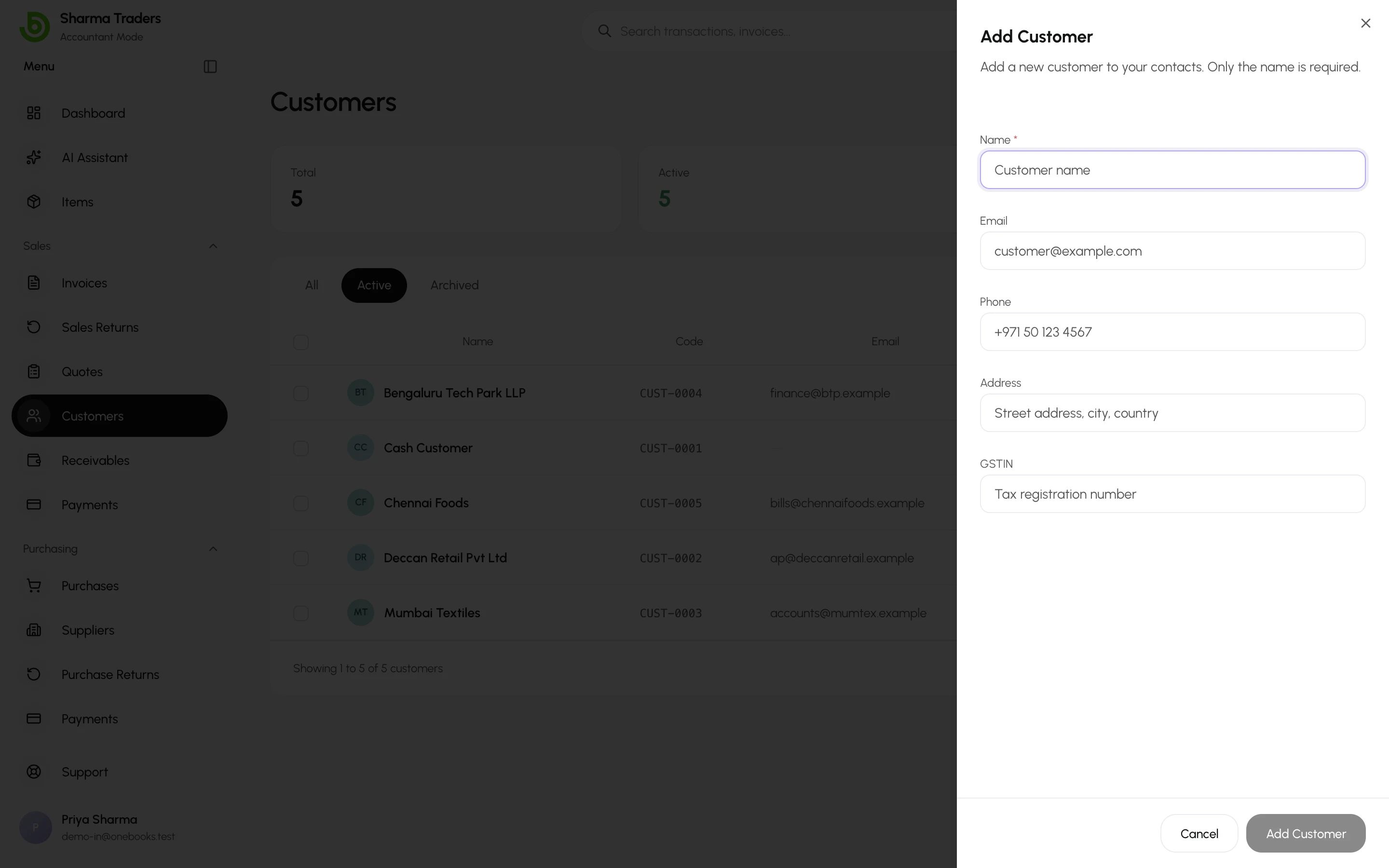
- Customers and suppliers — enter their GSTIN in the tax ID field. Registered customers appear in the B2B section of GSTR-1; unregistered ones in B2C.
- Items — enter the HSN / SAC code; it feeds the HSN summary of GSTR-1. See Items catalog.
- Tax rates — add the slabs you use (0%, 5%, 12%, 18%, 28%) under Settings → Tax Settings.
On documents
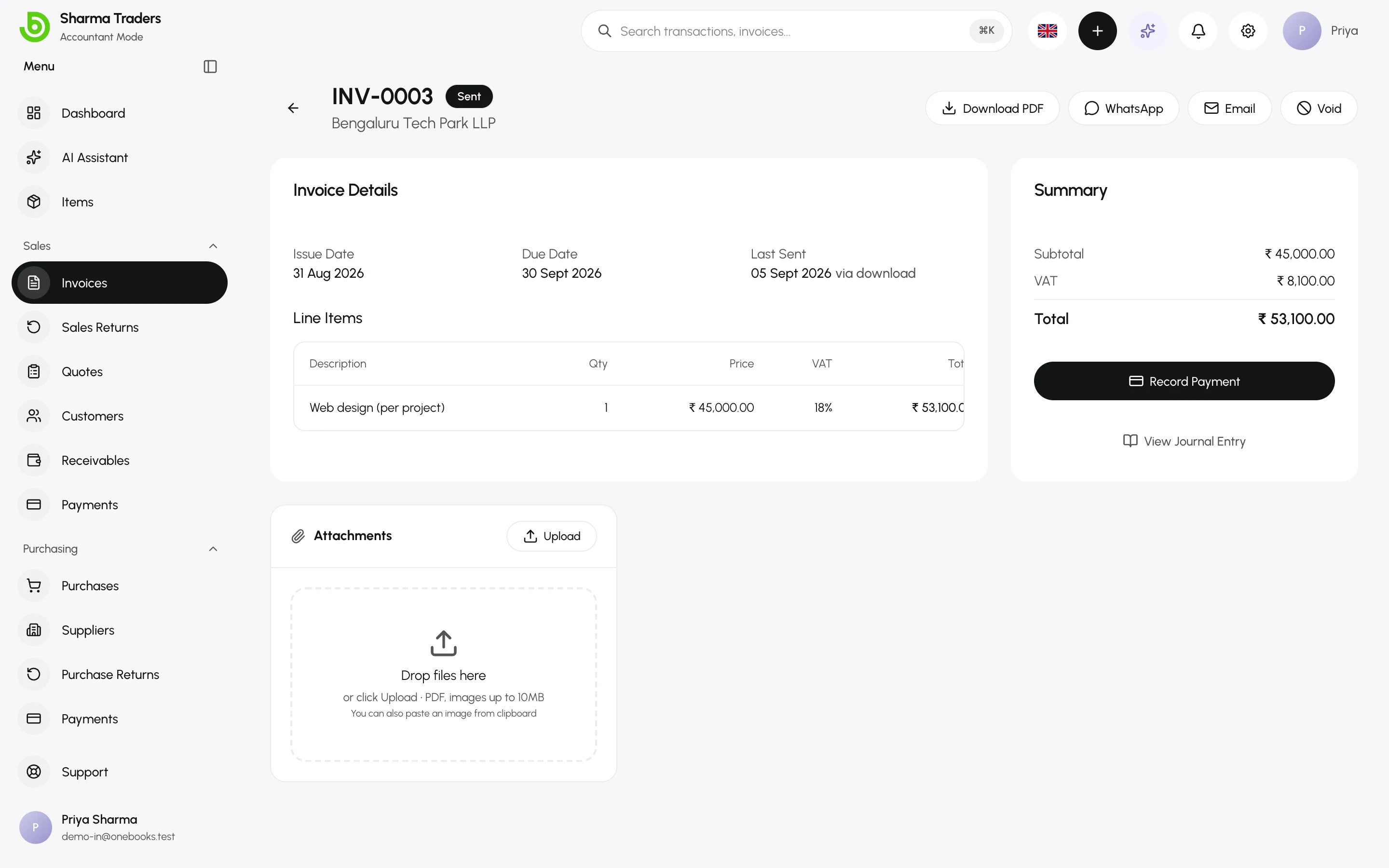
Section titled “On documents”- Place of supply — the state code on each invoice and purchase. When it equals your state, the tax splits into CGST and SGST on the reports; otherwise it is IGST. The ledger always posts one combined GST amount; the split is made when the reports are generated.
- Reverse charge (RCM) — on purchases from unregistered or notified suppliers, switch on Reverse Charge; the tax is self-assessed and appears in GSTR-3B’s inward RCM section.
- Supplier GSTIN on purchases feeds input-tax reporting.
Prepare the returns
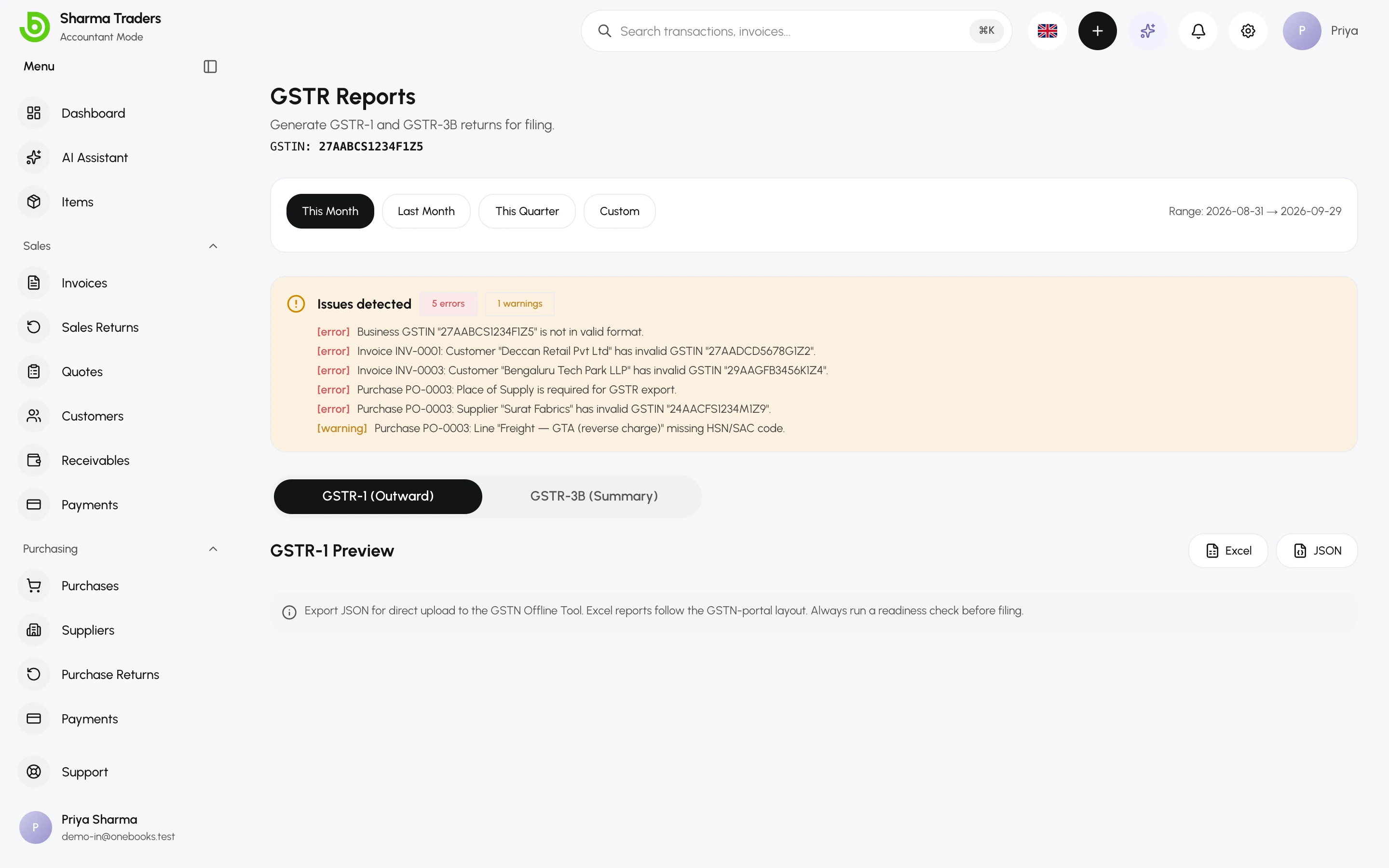
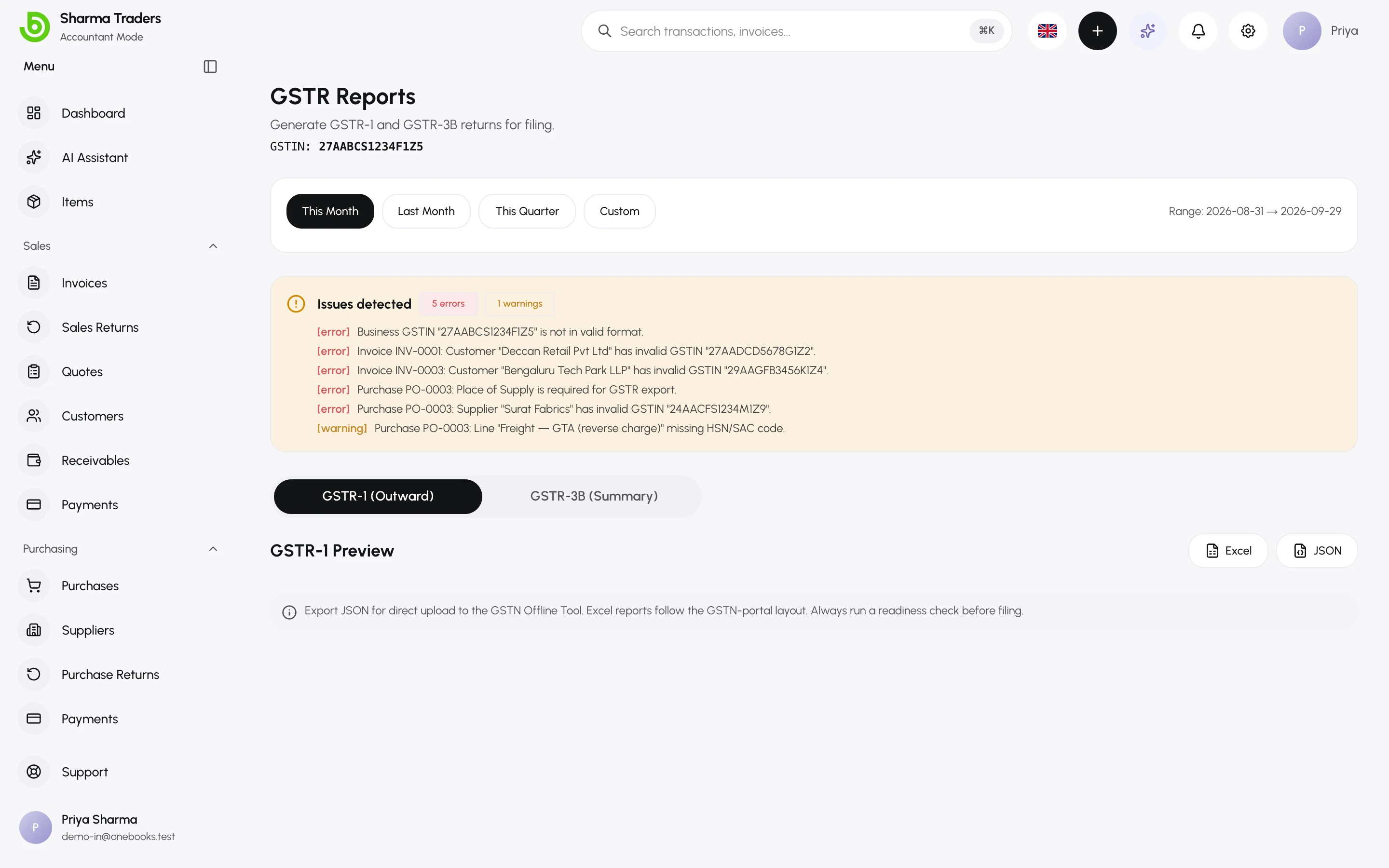
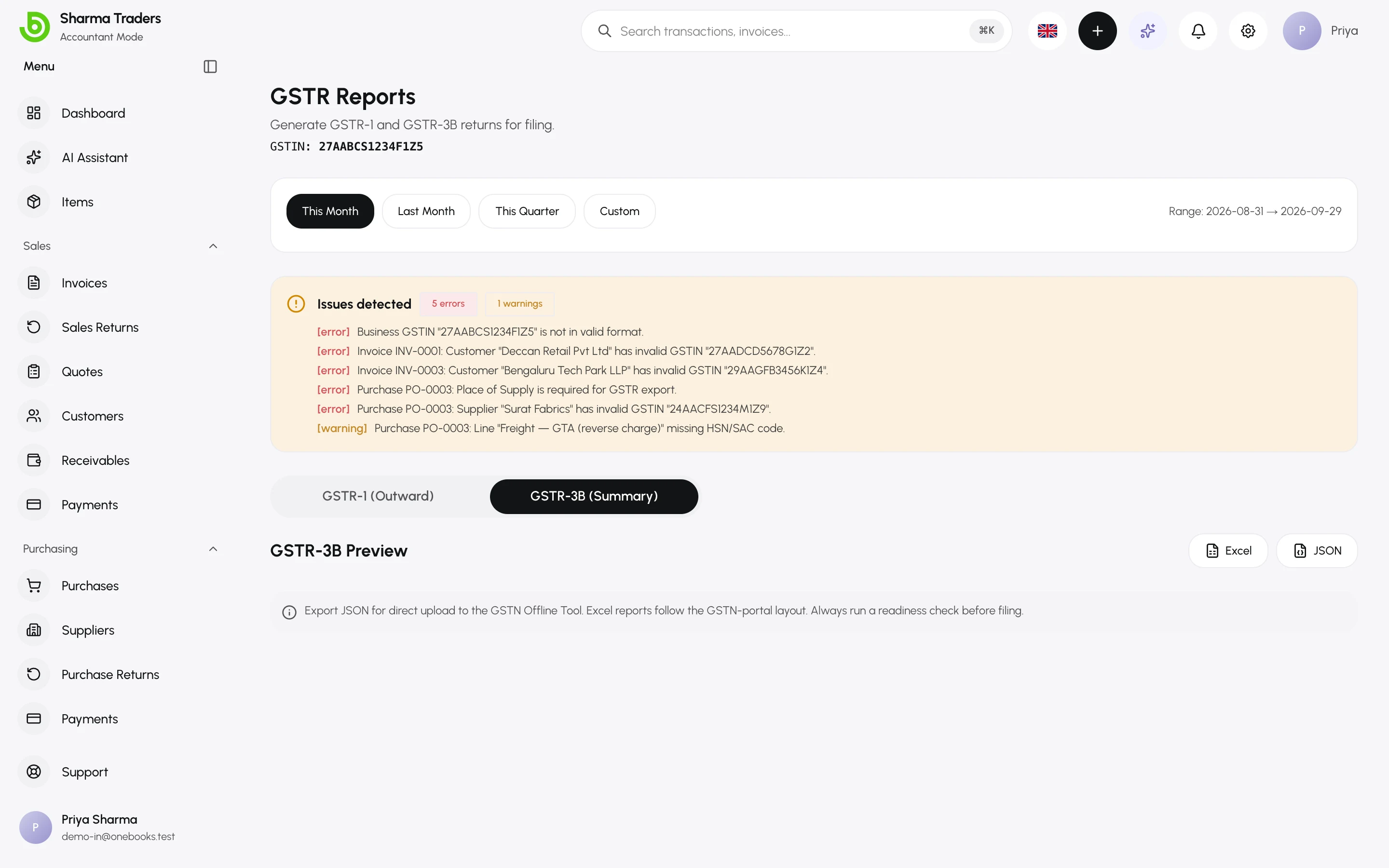
Section titled “Prepare the returns”- Open Reports → GSTR Reports and choose the period.
- Check readiness: OneBooks lists errors (missing GSTINs, HSN codes or places of supply) and warnings to fix before filing.
- Review GSTR-1 (Outward) — B2B invoices, B2CL, B2CS summary, credit/debit notes and the HSN summary with totals for taxable value, IGST and CGST+SGST.
- Review GSTR-3B (Summary) — outward supplies, inward RCM supplies and input tax credit.
- Export as JSON for the GST portal’s offline tool, or Excel for your accountant.
Related
Section titled “Related”Purchases and billsSupplier GSTIN, place of supply and RCM on purchases.