

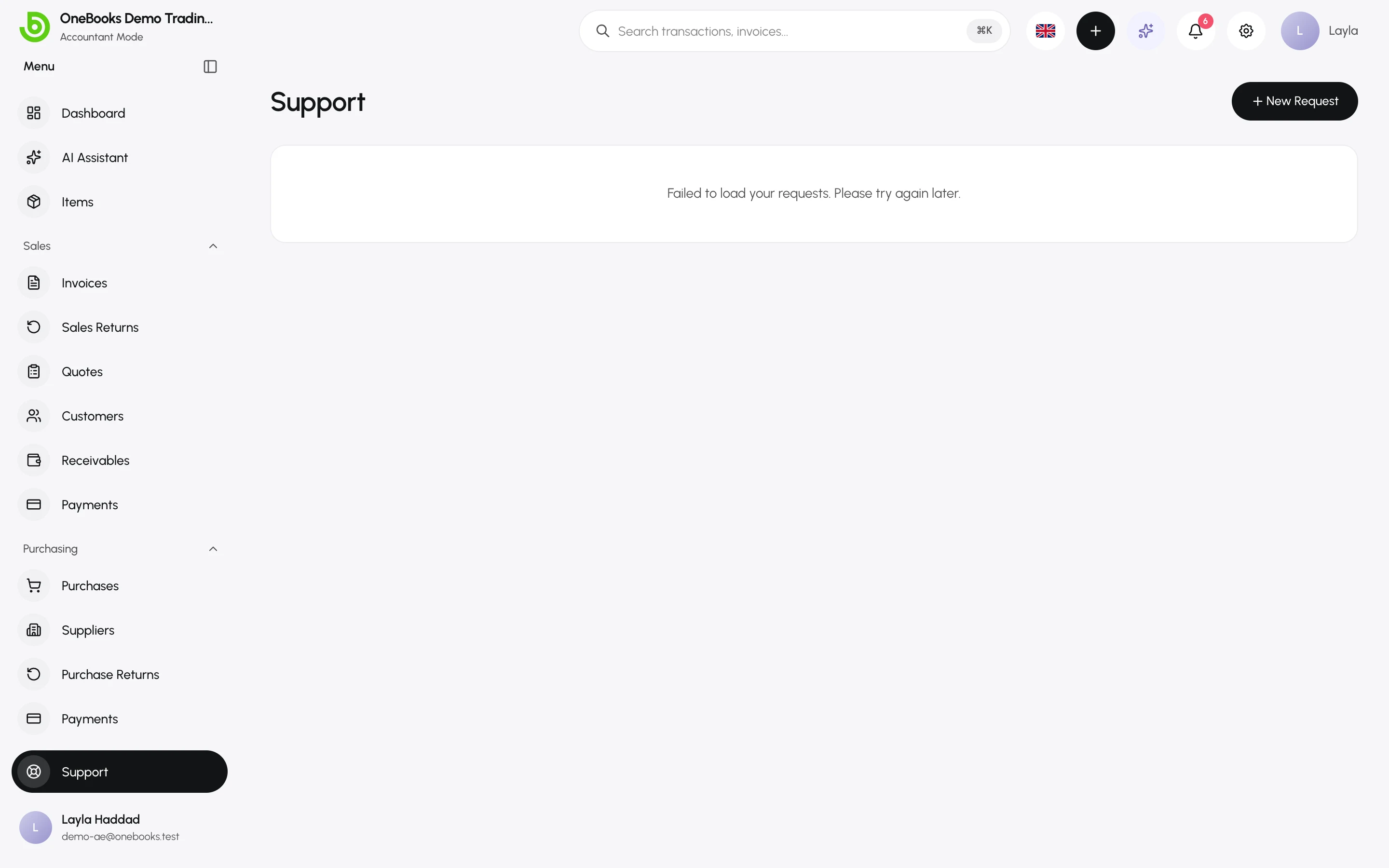
Support at the bottom of the sidebar lists your requests to the OneBooks team and lets you open new ones without leaving the app.
Open a request
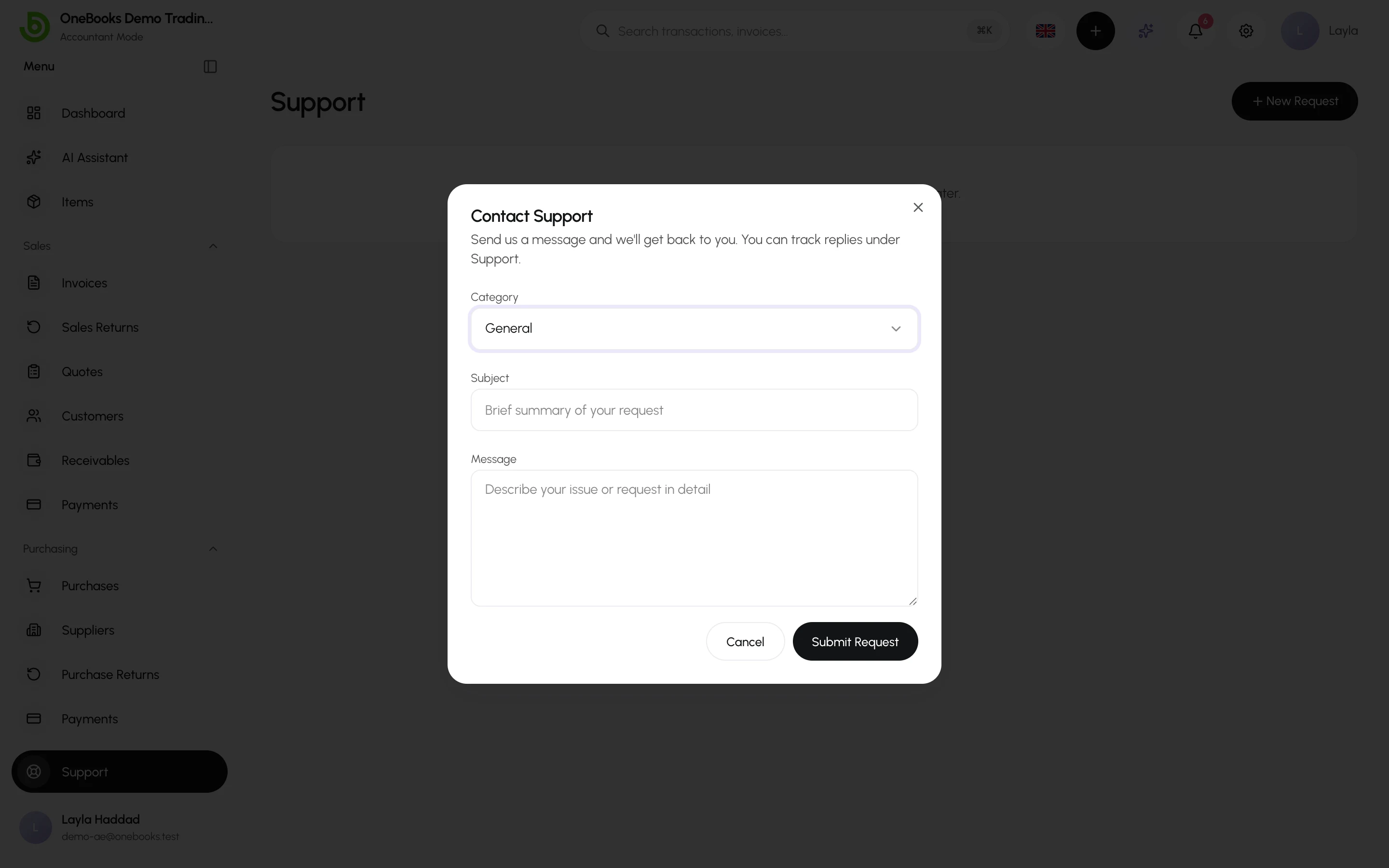
Section titled “Open a request”- Select New Request.
- Choose a category: General, Technical, Billing or Country change.
- Enter a subject and describe the issue — include the document number or page where it happened.
- Select Send.
Replies appear in the request thread; you also receive an email. Open a request to add comments.
Before you ask
Section titled “Before you ask”- Try the AI Assistant with a “how do I…” question — it searches this documentation.
- Check Troubleshooting and the FAQ.