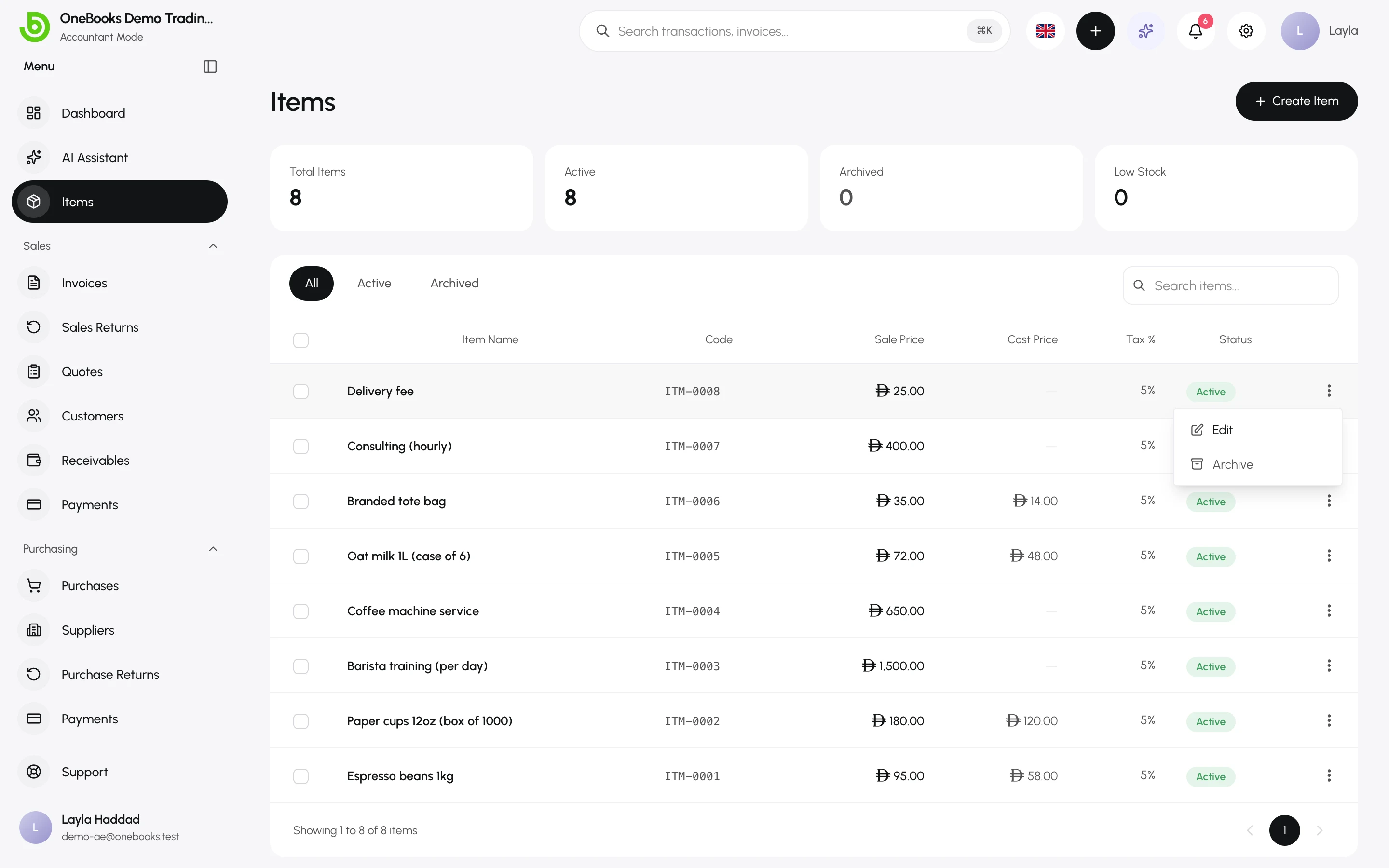
Items are the products and services you put on documents. Picking an item fills in the description, price, tax rate and posting accounts, so every invoice line is consistent and every purchase lands in the right account.
Add an item
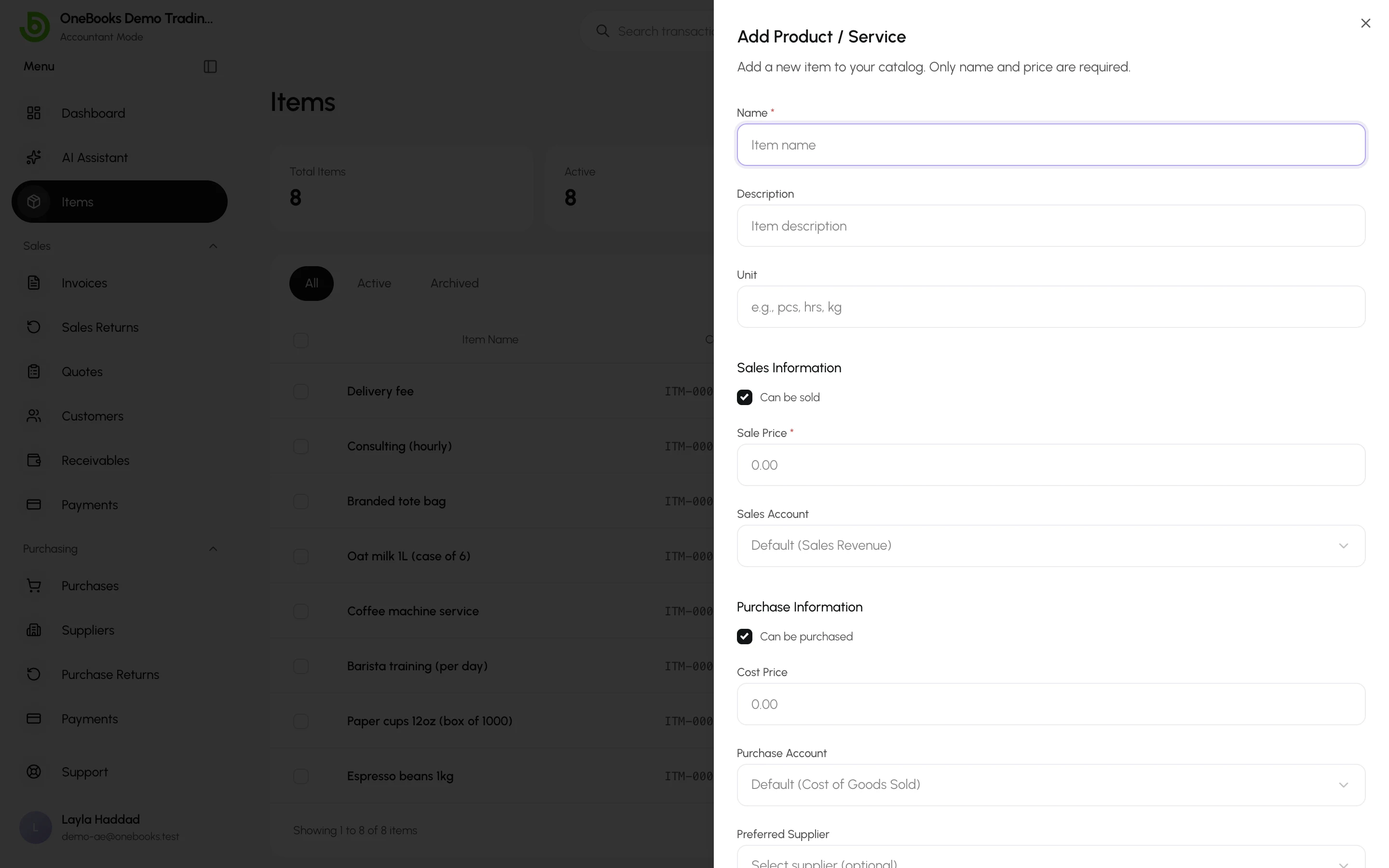
Section titled “Add an item”- Open Items and select Create Item.
- Enter the name and an optional description (prefilled on document lines) and unit (pcs, hrs, kg…).
- Under Sales Information, tick Can be sold, set the sale price and, if needed, a specific sales account (default: Sales Revenue).
- Under Purchase Information, tick Can be purchased, set the cost price, a purchase account (default: Cost of Goods Sold) and a preferred supplier.
- Choose the default tax rate or keep the business default.
- India: enter the HSN / SAC code — required for the GSTR-1 HSN summary.
- Select Save.
Prices accept up to four decimal places, so per-gram or per-minute pricing rounds correctly on the line total.
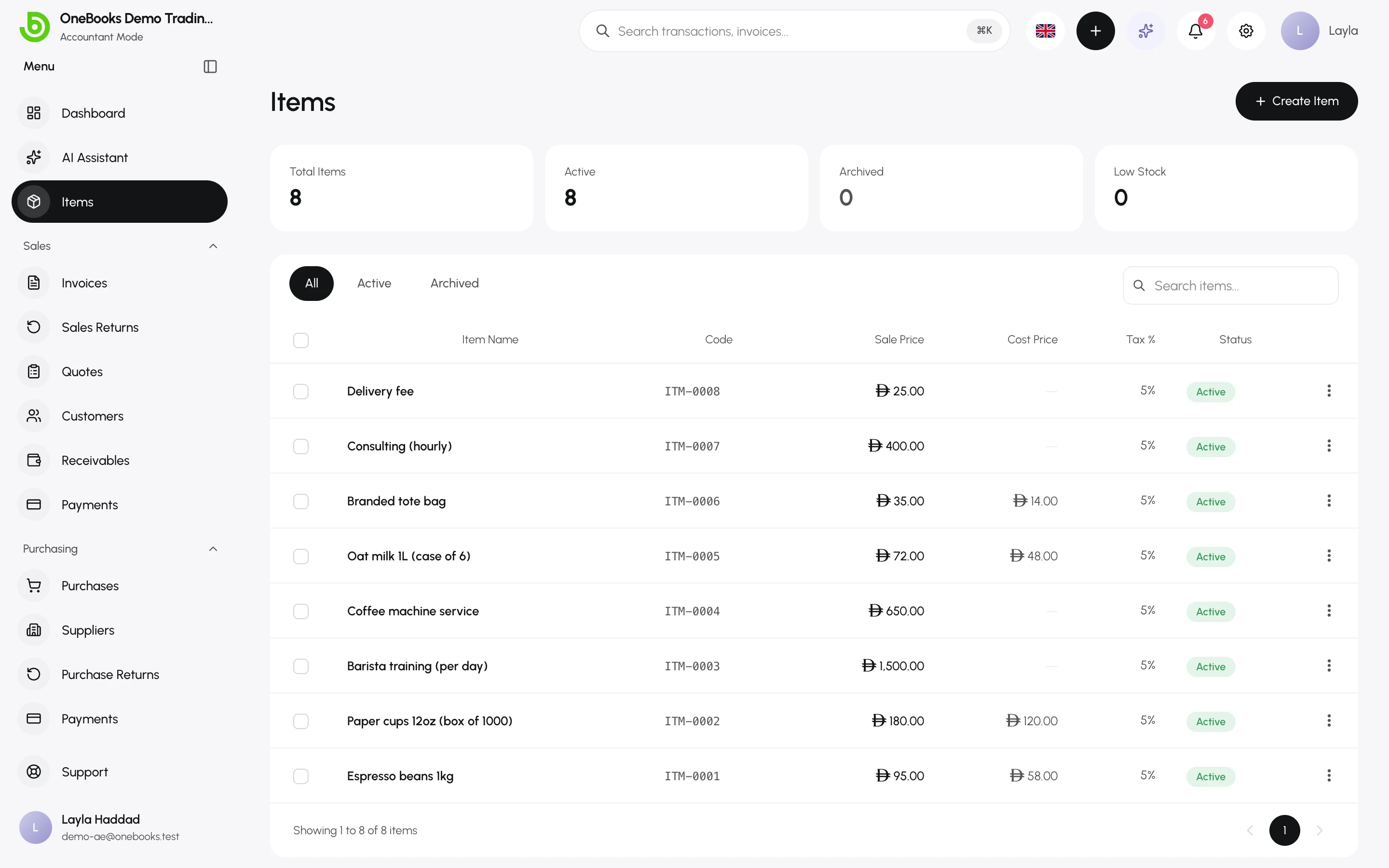
Edit, archive, restore
Section titled “Edit, archive, restore”Open an item’s actions menu to Edit, Archive or Restore. Archived items stay on past documents but disappear from pickers.