

Simple mode vs Accountant mode
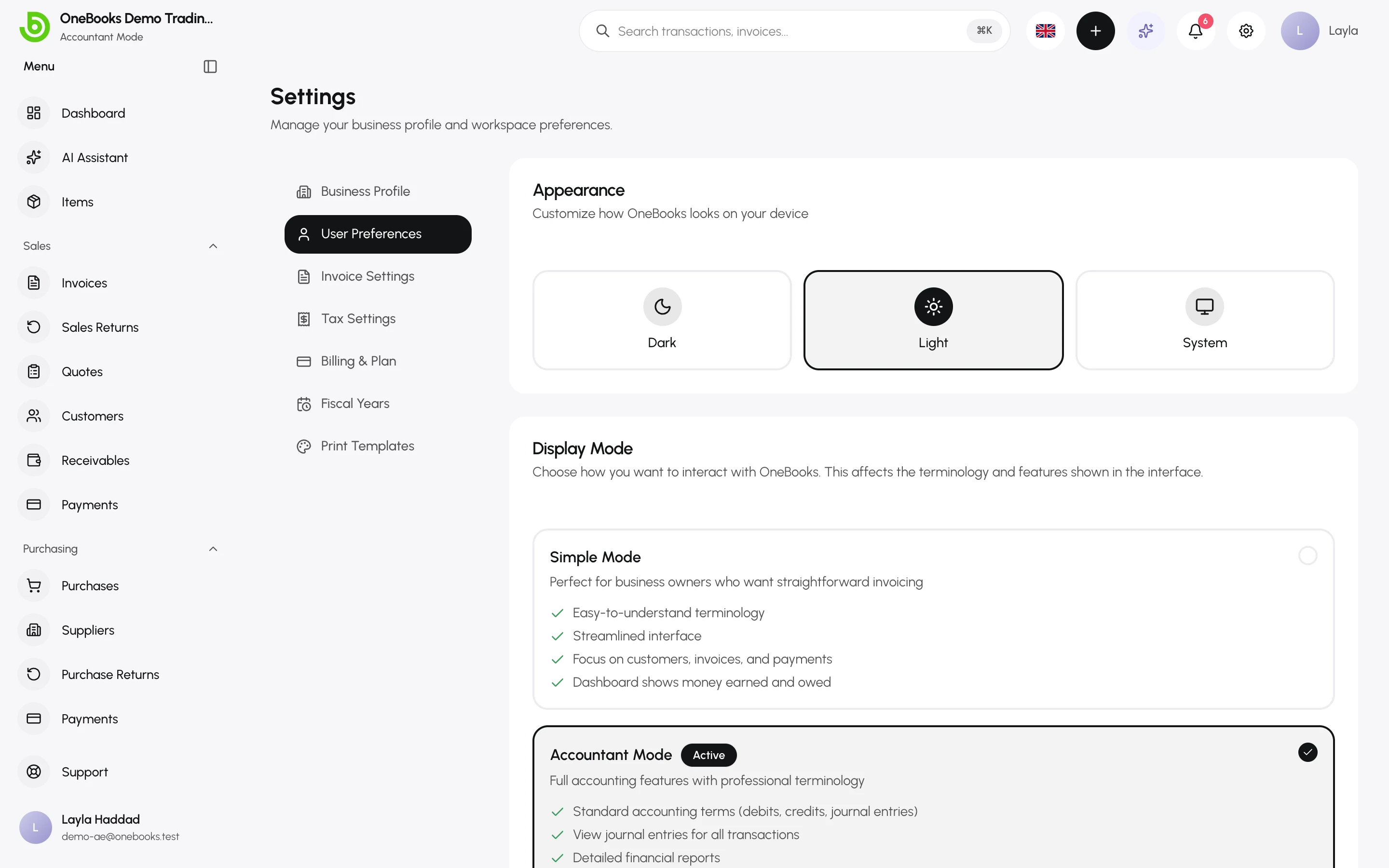
Every user picks a display mode. It changes the words on screen and which advanced screens appear; it never changes the data. A shop owner in Simple mode and their accountant in Accountant mode work in the same books at the same time.
What each mode shows
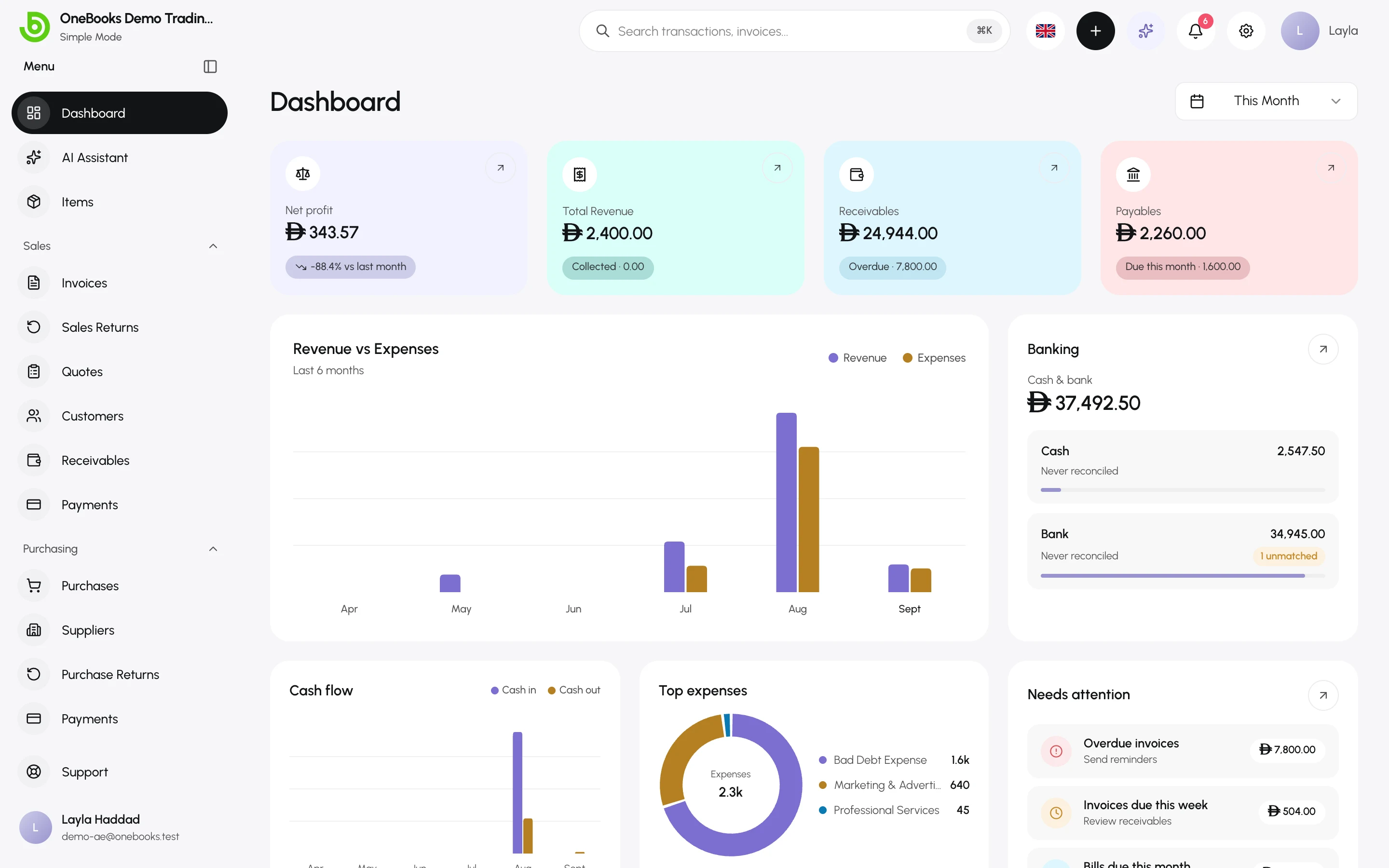
Section titled “What each mode shows”For owners and managers who want straightforward invoicing.
- Plain-language terms: Money Earned, Money Spent, Who Owes Me, What I Owe, Activity instead of revenue, expenses, receivables, payables and journal.
- The Accounting group (journal entries, contra, chart of accounts, bank reconciliation) is hidden from the sidebar.
- The dashboard focuses on money earned and owed.
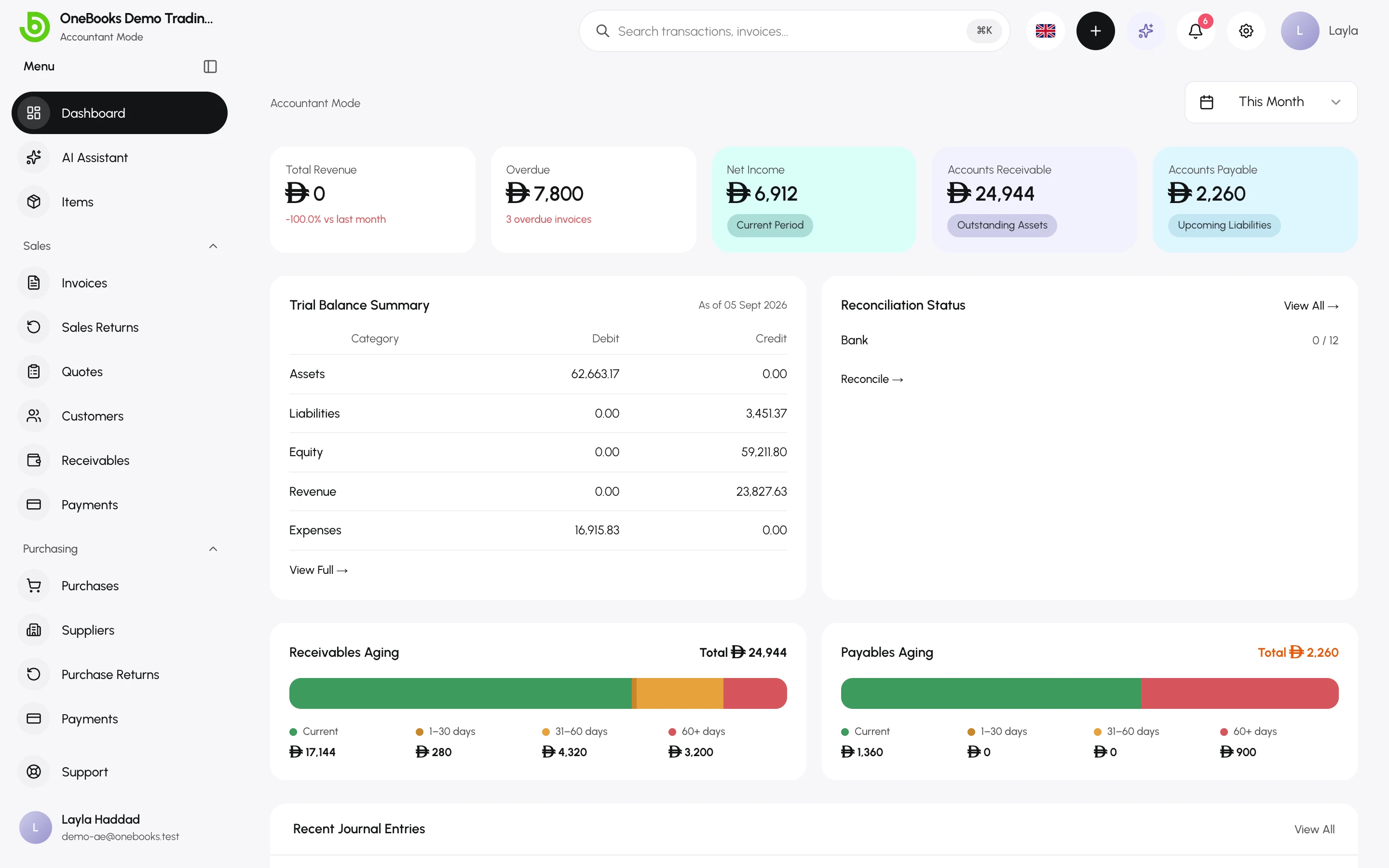
Full accounting features with professional terminology.
- Standard terms: debits, credits, journal entries, accounts receivable and payable.
- The Accounting group appears: journal entries, contra transfers, chart of accounts, bank reconciliation.
- Every document offers View Journal so you can see the exact lines it posted.
- Reports use account codes and formal statement layouts.
Terminology map
Section titled “Terminology map”| Simple mode | Accountant mode |
|---|---|
| Money Earned | Revenue |
| Money Spent | Expenses |
| Who Owes Me | Receivables (Accounts Receivable) |
| What I Owe | Payables (Accounts Payable) |
| Overdue Bills | Overdue Payables |
| Activity / Activity Log | Journal Entry / Journal |
| Category | Account |
| Complete | Balanced |
Switch modes
Section titled “Switch modes”- Open your user menu at the bottom of the sidebar and select Settings.
- Open General and choose Simple Mode or Accountant Mode under Display Mode.
The change applies immediately, only to you. New users start in the business’s default mode.
Related
Section titled “Related”How the ledger worksWhat Accountant mode reveals.