

Exporting and printing reports
Every statement has an export menu. PDFs are formatted with your business name, registration number and the period or date; Excel files contain the same rows for further work.
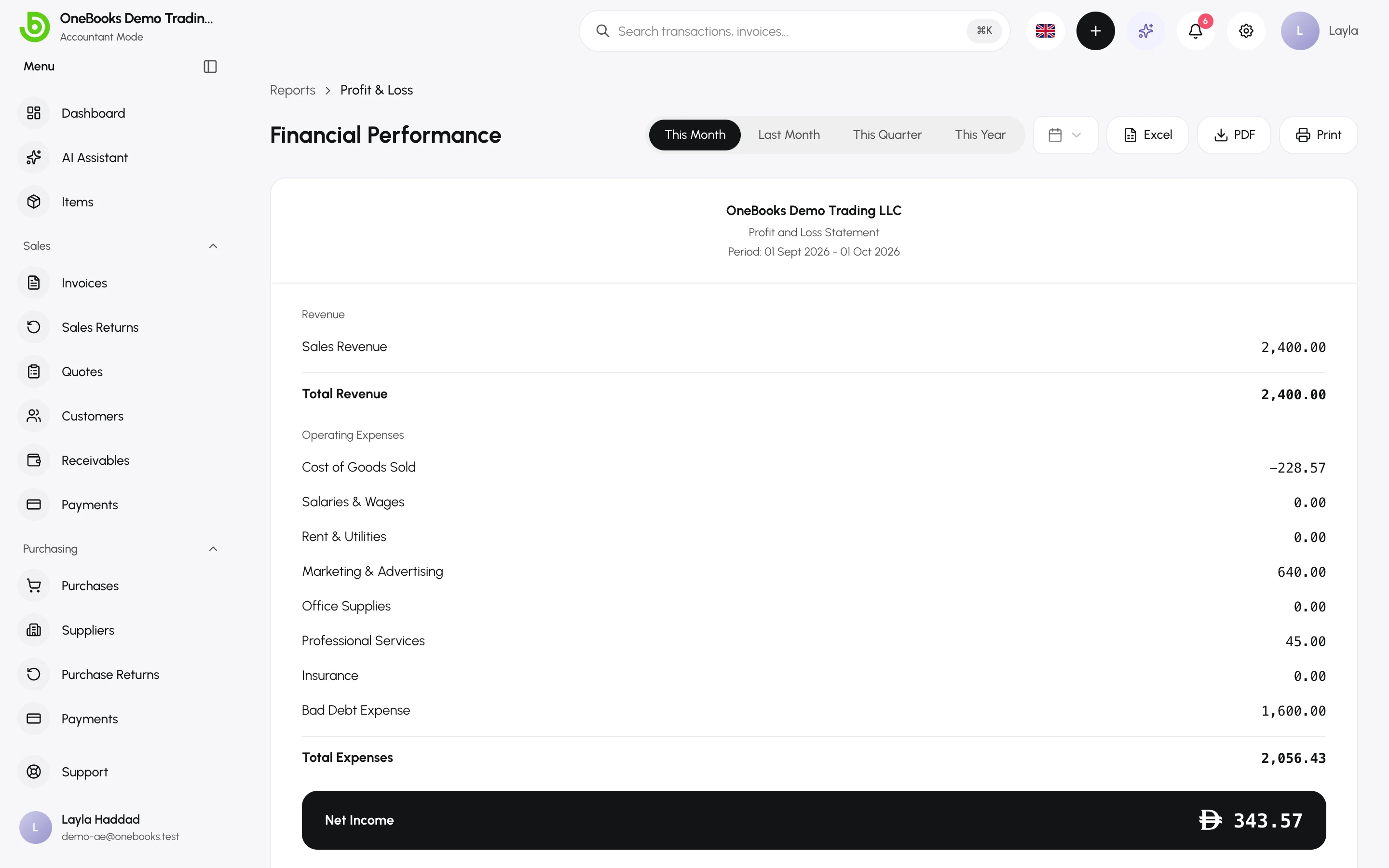
Statement exports
Section titled “Statement exports”| Report | Excel | |
|---|---|---|
| Profit and loss | Yes | Yes |
| Balance sheet | Yes | Yes |
| Cash flow | Yes | Yes |
| Trial balance | Yes | Yes |
| Receivables and payables aging | Yes | Yes |
| Tax report and tax summary | Yes | — |
| GSTR-1 and GSTR-3B (India) | — | Excel and JSON |
Raw data exports
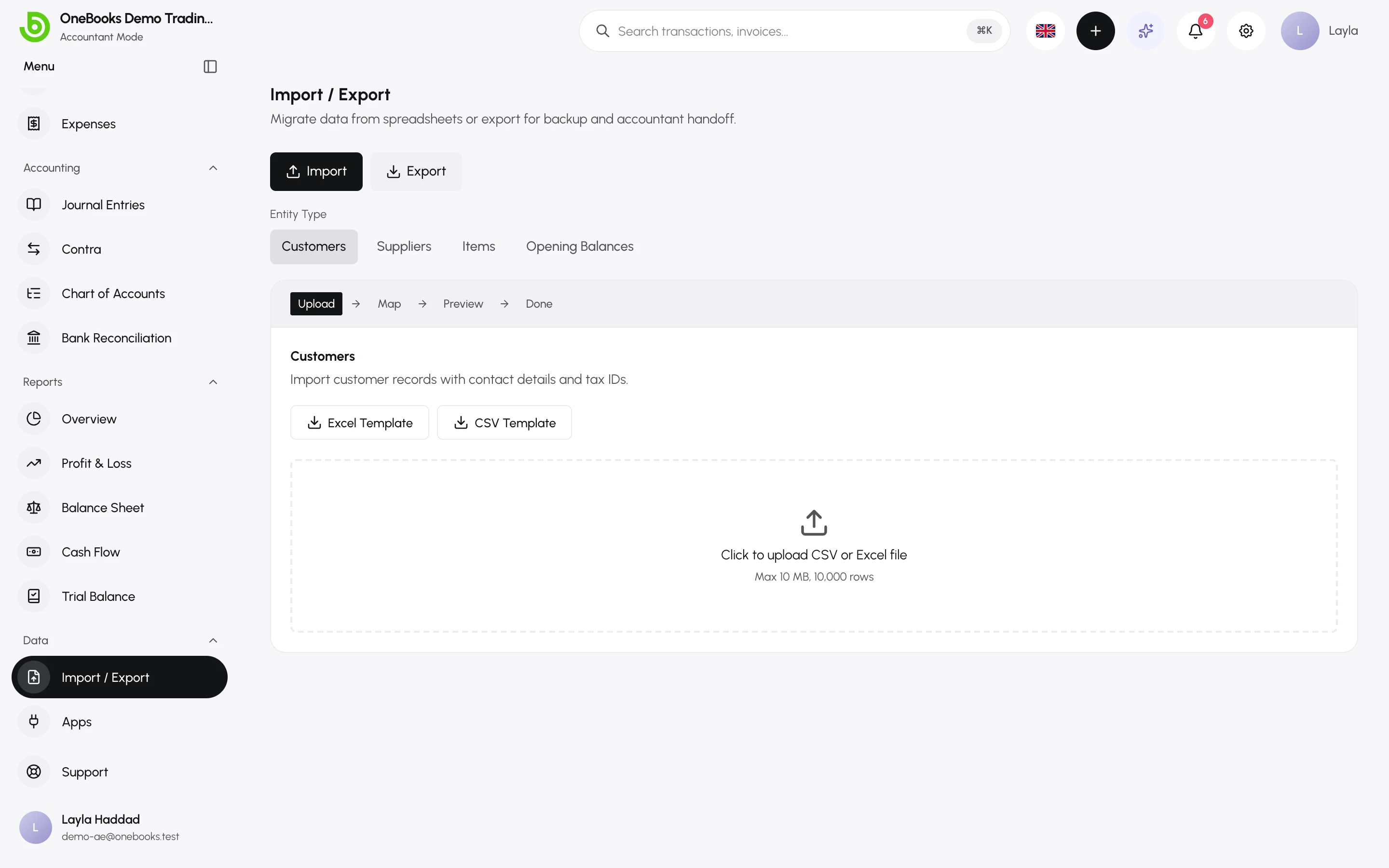
Section titled “Raw data exports”Data → Import / Export → Export downloads customers, suppliers, items and transactions as Excel or CSV — the whole table, not a period. See Import and export.
From the AI assistant
Section titled “From the AI assistant”Any report the assistant renders as a card can be downloaded as CSV, Excel or PDF straight from the card. See Ask for reports.
Related
Section titled “Related”Print templatesDocument (invoice, quote, receipt) layouts.