

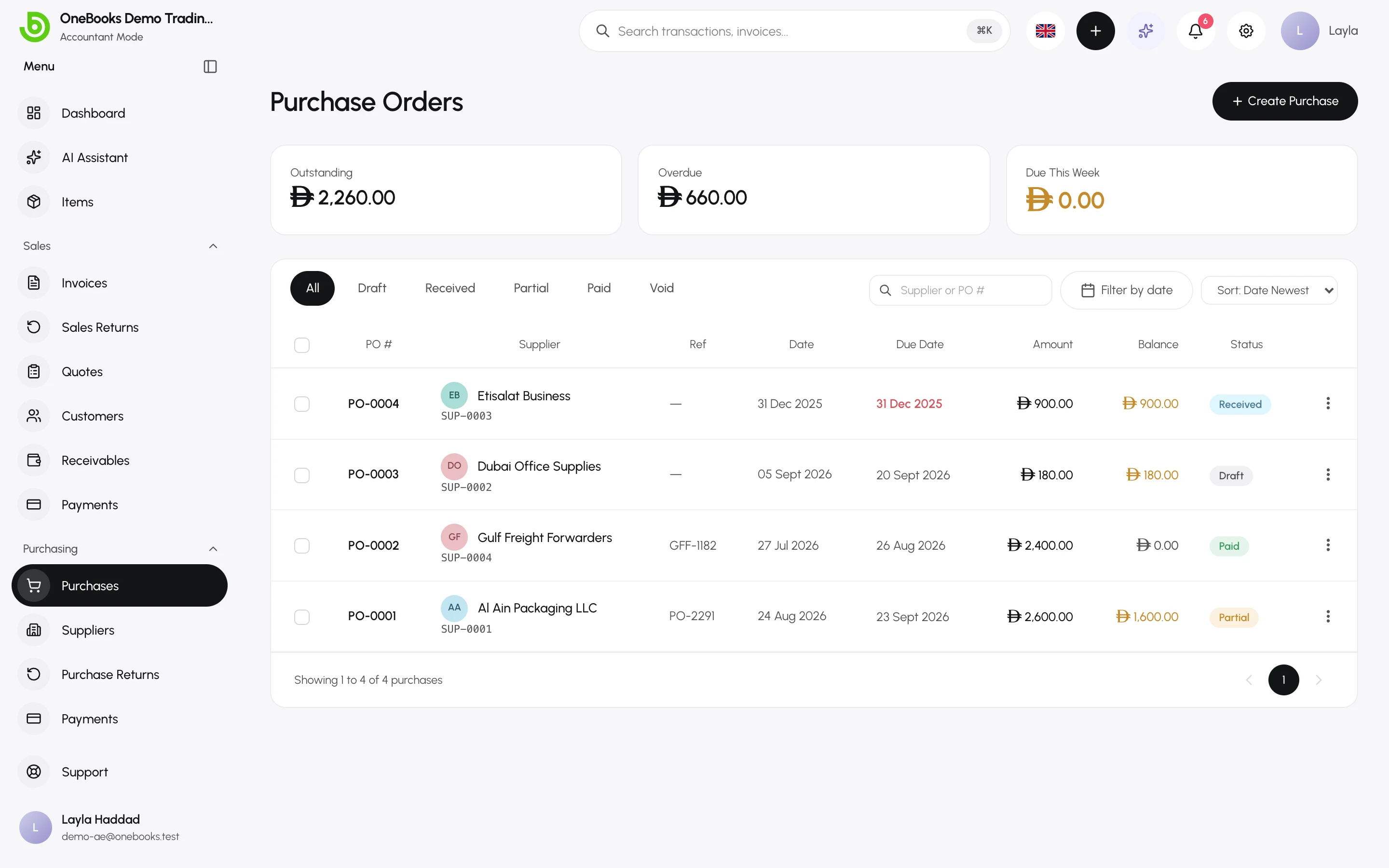
The Purchasing group mirrors Sales from the other side: what you buy on credit, what you owe, and what you pay. Cash spending without a supplier bill goes through Expenses instead.
The purchasing cycle
Section titled “The purchasing cycle”| Step | Document | Posts to the ledger? |
|---|---|---|
| Receive goods or a supplier’s bill | Purchase | Yes, when finalized (received): cost or asset, input tax, payable. |
| Pay the supplier | Supplier payment | Yes, when recorded: payable against cash or bank. |
| Send goods back or the bill was too high | Purchase return (debit note) | Yes, when confirmed; a refund from the supplier is a separate step. |
| Bill was a mistake | Void the purchase | Reverses the original entry. |
Suppliers are the people and companies you buy from. Payables is the report of what you owe, by age.
Purchases or expenses?
Section titled “Purchases or expenses?”- Use a purchase when there is a supplier bill you pay later, when you want the amount to sit in payables, or when tax on the bill must be tracked (input VAT/GST).
- Use an expense for money already spent from cash or bank with no bill to track — taxi, small supplies, subscriptions.
Which screen do I use?
Section titled “Which screen do I use?”- Record a supplier bill → Purchasing → Purchases → Purchases and bills
- Pay a supplier → Record Payment on the purchase, or Purchasing → Payments → Supplier payments
- Return goods → Purchasing → Purchase Returns → Purchase returns and debit notes
- What do I owe? → Purchasing → Payables → Payables and aging