

Settings → Tax Settings controls how VAT, GST or sales tax is calculated on every document line. The defaults come from your country; change them only if your registration differs.
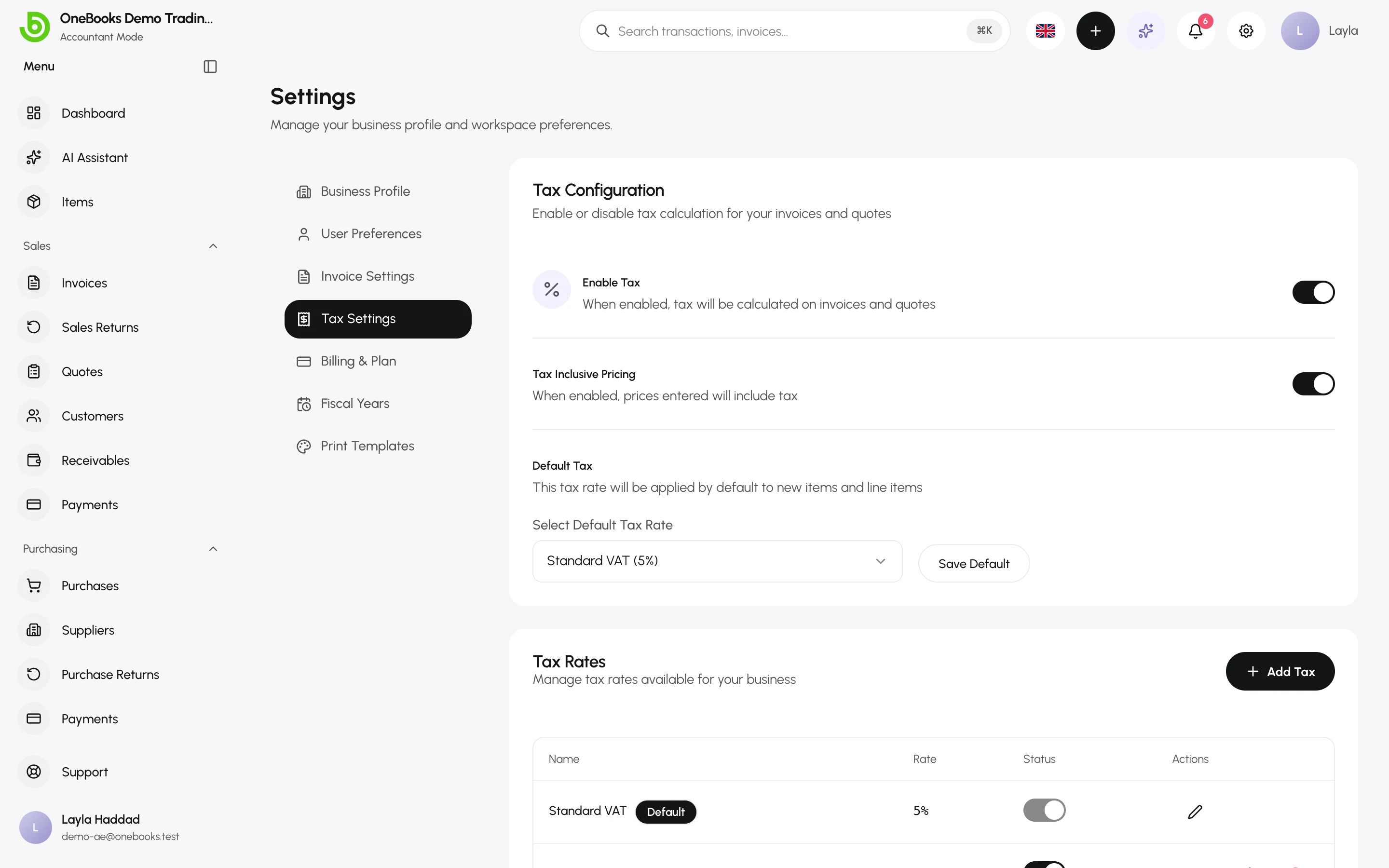
Enable tax
Section titled “Enable tax”Switch Enable Tax off only if the business is not registered for tax. With it off, documents carry no tax lines and the tax reports stay empty.
Tax-inclusive or tax-exclusive pricing
Section titled “Tax-inclusive or tax-exclusive pricing”- Tax Inclusive Pricing on — the prices you type on items and lines already contain tax; OneBooks extracts the tax for the totals and the ledger. Typical for retail in the UAE and the UK.
- Off — tax is added on top of the price you type. Typical for B2B, Saudi Arabia and India.
The setting applies to new documents; existing documents keep the mode they were created with.
Tax rates
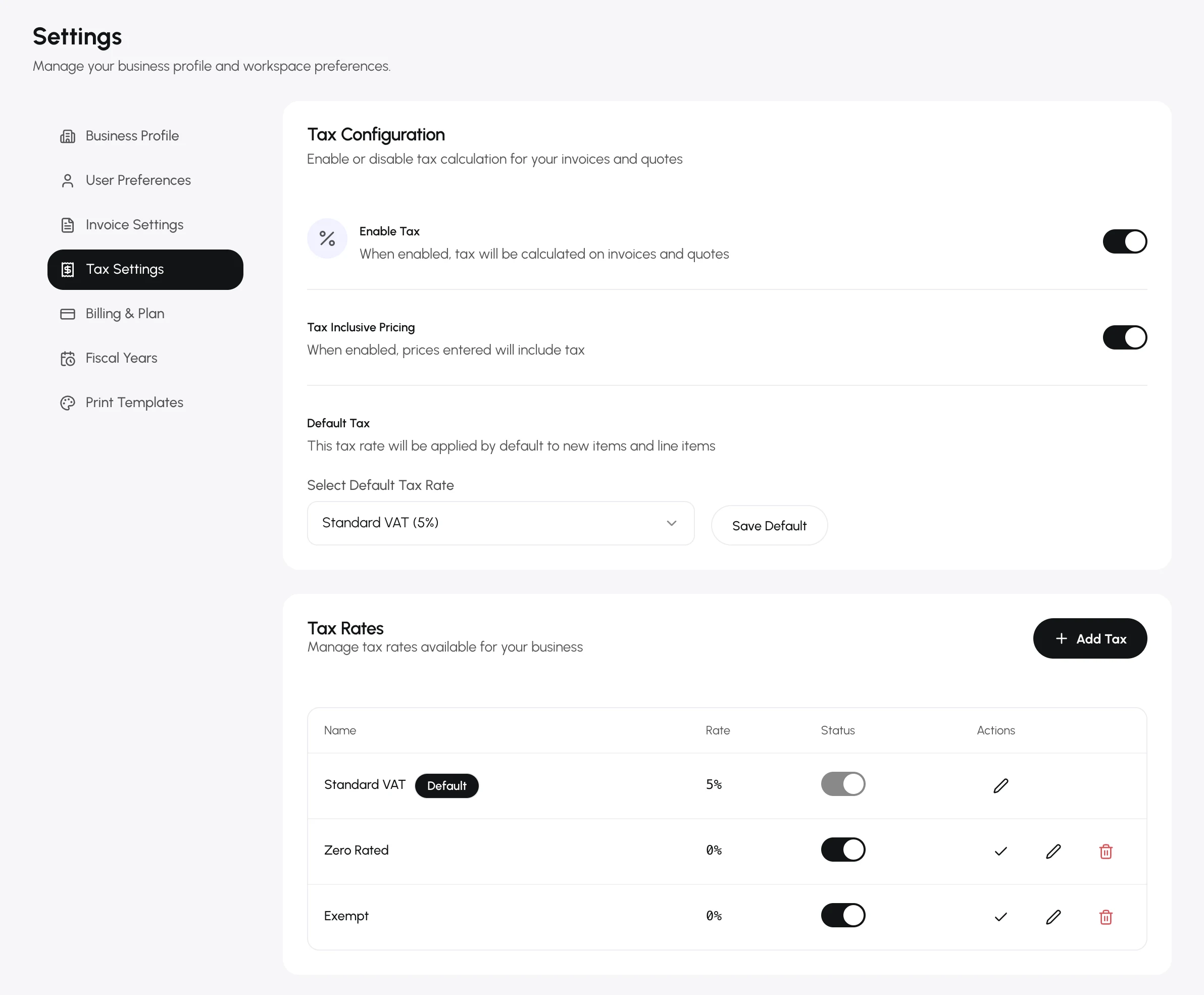
Section titled “Tax rates”- Under Tax Rates, select Add Tax.
- Enter a name (for example “Reduced VAT”) and the rate (%). Use 0 for zero-rated supplies so the sale still appears on the tax report.
- Select Save. Use Set as default on the rate that new items and lines should get.
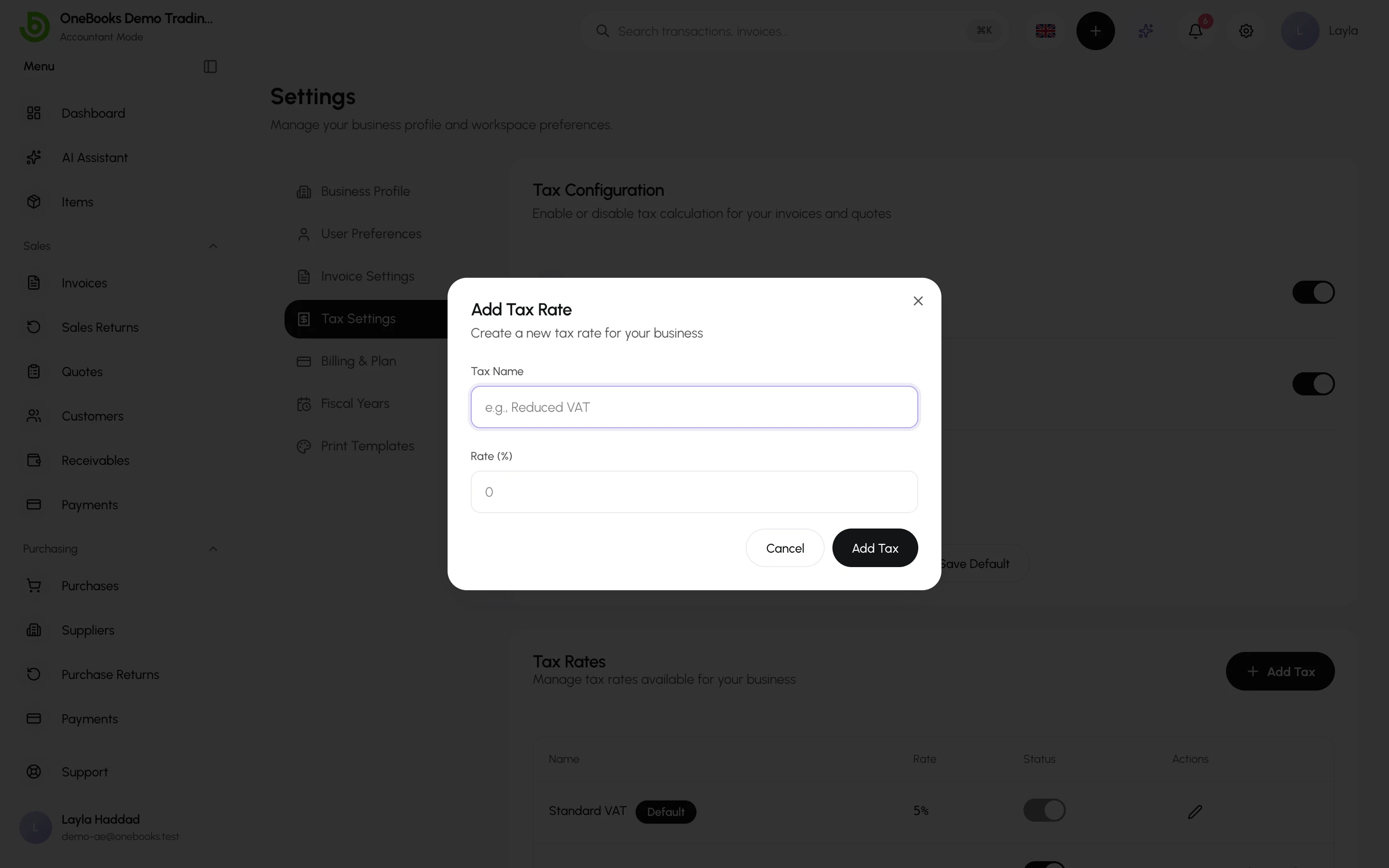
The default rate cannot be deleted; make another rate the default first. Rates in use on documents stay valid on those documents after you edit or delete them.
Tax on documents
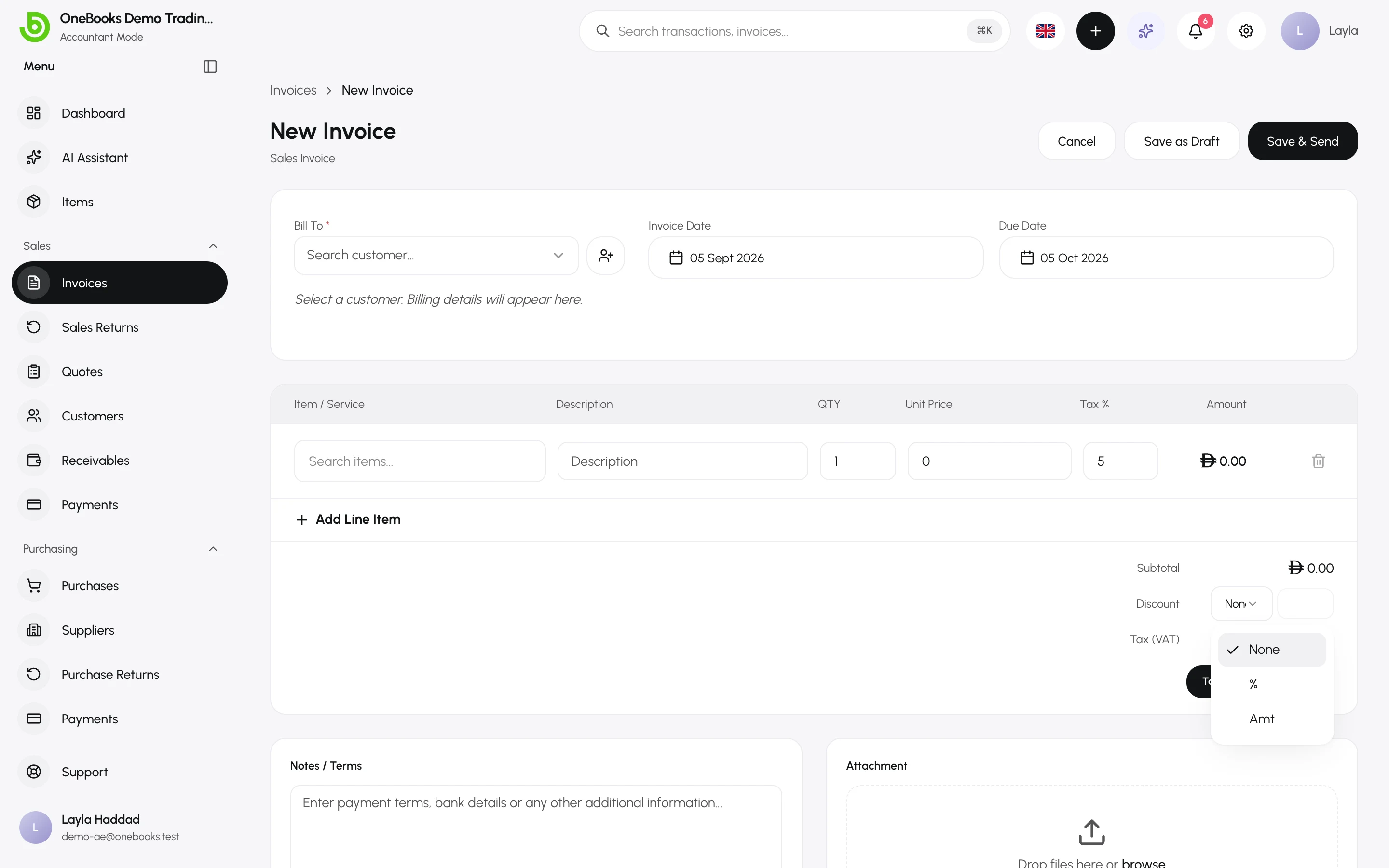
Section titled “Tax on documents”Each line on an invoice, quote, purchase or return carries its own rate, picked from your list or inherited from the item. See Invoices and Prices, units and tax defaults.
Reverse charge
Section titled “Reverse charge”Some supplies are taxed by the customer rather than the seller — imported services, certain B2B cross-border supplies, and reverse-charge categories under GST. Switch Reverse charge on the document:
- On a sales invoice, no tax is charged and the invoice states that the customer accounts for the tax.
- On a purchase, you self-assess: the tax is recorded as both input and output, so it appears on both sides of your return.
The switch is only available while the document is a draft.
The tax accounts
Section titled “The tax accounts”| Account | Holds |
|---|---|
| 2100 VAT Payable | Output tax collected on sales. |
| 1300 VAT Receivable | Input tax paid on purchases. |
| 2110 RCM VAT Payable | Self-assessed reverse-charge tax on purchases. |
The names say “VAT” but the same three accounts serve GST and sales tax. The tax report reconciles to their balances.